
HubSpot to Salesforce Migration Services
VALiNTRY360 moves your HubSpot contacts, deals, history and marketing data into Salesforce with the associations, consent records and automations your teams rely on.
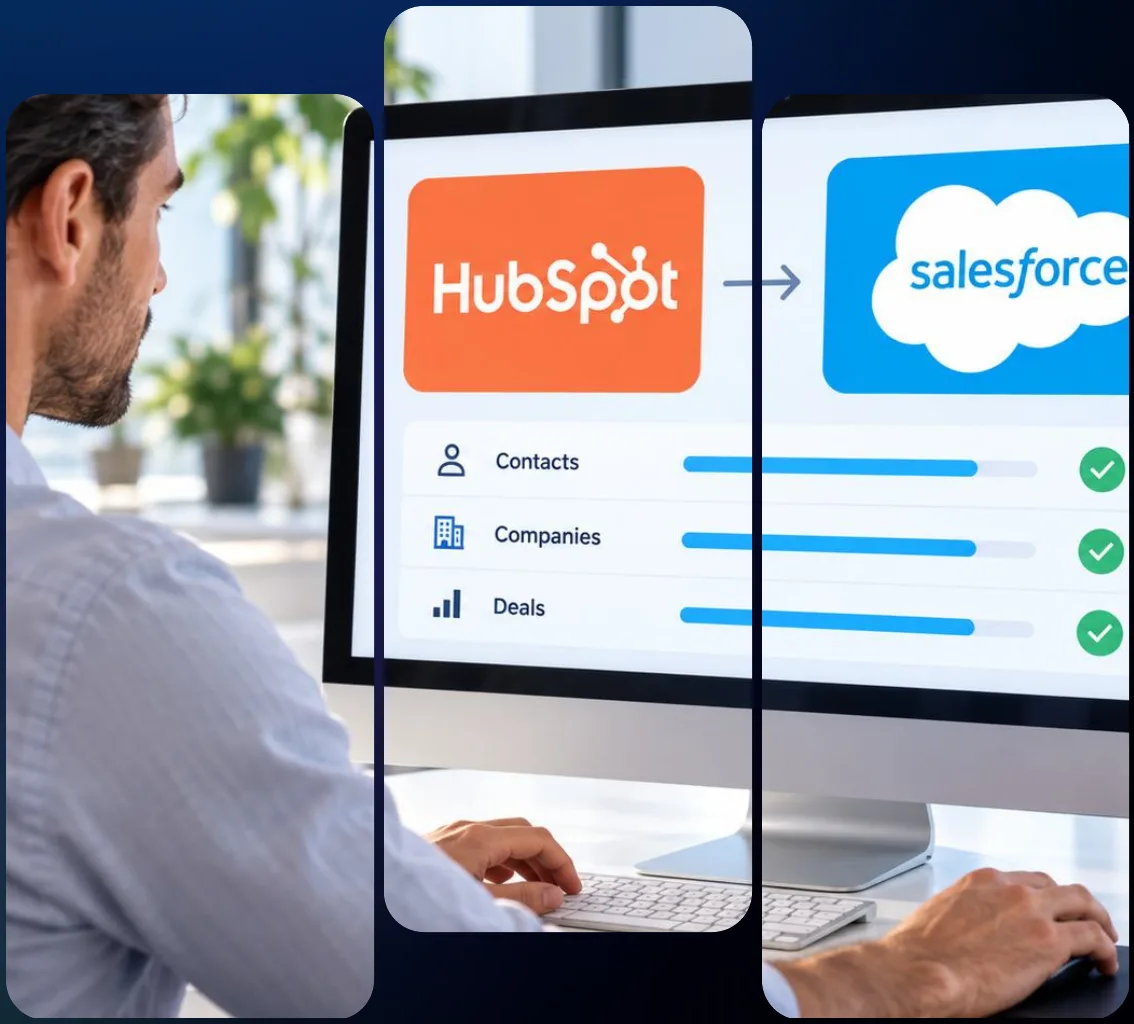
What Is HubSpot to Salesforce Migration?
HubSpot to Salesforce migration is the move of your CRM from HubSpot to Salesforce. It covers your contacts, companies, deals, tickets and activity history, and it also covers the parts a CSV export leaves behind: associations between records, calls, emails and notes, marketing history, consent status and the workflows your team built.
At VALiNTRY360, our HubSpot to Salesforce migration services start with an audit of your portal and a decision about what should move, what should stay in HubSpot and what should be replaced. We design the Salesforce data model, rehearse the load in a sandbox and cut over with a plan that protects your pipeline.
If you plan to migrate from HubSpot to Salesforce, this page shows how we do it and where other approaches fall short. For the wider picture on moving CRM data, read about our Salesforce data migration services, which cover every source system we migrate from.
What Our HubSpot to Salesforce Migration Services Include
We provide HubSpot to Salesforce data migration that covers the full project, from the first audit to the weeks after go-live. Every service ends in something you can review.
01
HubSpot Portal and Data Audit
We start by learning how your portal is built, because that decides how the move should run. A portal used only for contacts and deals needs a different plan than one that runs marketing, sales and service together.
- Review of your HubSpot hubs, tiers, users and record volumes
- Inventory of custom properties, custom objects, pipelines and associations
- List of workflows, sequences, forms, lists and integrations
- Written scope that names what moves, what is rebuilt and what is retired
02
Complete Extraction Plan
HubSpot’s standard export leaves out engagements such as calls and notes, so the plan has to cover them on a separate track. Our plan for every HubSpot to Salesforce data migration covers each data type, so nothing turns up missing after go-live.
- Extraction method chosen for each object, such as export or API
- Engagements, notes, emails and attachments pulled with their parent record references
- Associations captured in full, including the ones a default export cuts off
- Backup of the complete HubSpot data set before any change
03
Data Model Design and Field Mapping
HubSpot and Salesforce use different building blocks, and the match is rarely one to one. We design the Salesforce data model first and then build field-level mapping documents that you approve before any load.
- Decision on which contacts become Salesforce Leads and which become Contacts
- Lifecycle stage and lead status mapped to Salesforce fields and statuses
- HubSpot pipelines and deal stages mapped to Salesforce sales processes
- HubSpot record ID stored on every migrated record for traceability
04
Data Cleansing and Deduplication
A migration is the cheapest time to repair your data. We find duplicates, inconsistent values and orphaned records in HubSpot before they arrive in Salesforce.
- Duplicate detection across contacts and companies
- Standardization of picklists, phone numbers, countries and job titles
- Archive or removal of stale contacts with no business value
- Cleansing report with counts before and after
How HubSpot Objects Translate to Salesforce
HubSpot and Salesforce describe the same business in different words. This table shows the usual translation before we review your portal.
In HubSpot
Closest Salesforce equivalent
What we decide with you
Contacts
Contact or Lead
Which people are prospects and which are known customers
Companies
Account
Account hierarchy, duplicate rules and ownership
Deals and pipelines
Opportunity, with sales processes and record types
How each pipeline and stage maps to Salesforce
Tickets
Case
Case statuses, queues and priority values
Products and line items
Products, price books and Opportunity Products
How pricing and quote lines are structured
Custom objects
Custom objects
Whether each one still deserves its own object
Three Ways to Switch From HubSpot to Salesforce
Many teams that migrate from HubSpot to Salesforce assume that moving CRM means moving everything. Your marketing team may have good reasons to keep HubSpot, and you can decide that on purpose. The table compares the three paths we see most.
PATH
WHAT MOVES
WHAT STAYS
BEST WHEN
Full move
Sales, service and marketing data and logic
Nothing, and HubSpot is retired after cutover
You want one platform and one data model for every team
CRM move, keep HubSpot marketing
Contacts, companies, deals, tickets and history
HubSpot marketing tools, connected to Salesforce
Marketing is happy and sales or service has outgrown HubSpot
CRM move, replace marketing
CRM data, plus campaigns and automation rebuilt in Salesforce marketing tools
Nothing
You want marketing and sales on the same data, as accesso did with Pardot
We recommend a path after the audit, and we price each one so you can compare. A hybrid path needs a clear rule for which system owns each field, or the two systems drift apart. If you choose to run both for a while, we design that sync before cutover.
HubSpot to Salesforce Migration Challenges We Solve
Moving from HubSpot to Salesforce involves more than transferring CRM records. Differences in data structures, sales processes, marketing permissions, and business workflows can disrupt daily operations if they are not addressed early. We identify these challenges, develop practical solutions, and help your teams maintain accurate data and essential business processes throughout the migration.
01Preserving Customer Activity and Context
Sales teams depend on previous conversations, meetings, and account interactions to manage customer relationships. Missing activity history can disrupt follow-ups and leave account managers without important context.
Our solution:
We extract the required calls, emails, meetings, and notes using supported HubSpot export and API methods. We map each activity to the appropriate Salesforce record, preserve available historical details, and validate relationships to maintain customer context.
02Aligning Leads and Customer Lifecycle Stages
HubSpot and Salesforce manage lead qualification and customer lifecycle stages differently. Incorrect mappings can affect lead routing, conversion tracking, sales reporting, and customer management.
Our solution:
We establish clear rules for converting HubSpot contacts into Salesforce Leads or Contacts based on your business requirements. We map lifecycle stages, configure lead assignment rules, and validate record classifications to support accurate sales operations.
03Maintaining Pipeline and Forecast Accuracy
Differences between HubSpot deal pipelines and Salesforce opportunity stages can create inconsistencies in revenue forecasts and sales reporting. Incorrect stage mapping may also affect pipeline visibility.
Our solution:
We review existing HubSpot pipelines, map deal stages to Salesforce opportunity processes, and configure required fields. We validate opportunity values, stage assignments, and forecast reports to maintain reliable pipeline visibility after migration.
04Protecting Marketing Consent and Attribution
Marketing teams rely on consent records, subscription preferences, and attribution data to manage campaigns. Missing or incorrectly mapped information can affect campaign reporting and communication compliance.
Our solution:
We identify essential consent records, marketing source information, and subscription preferences before migration. We map required fields to Salesforce, establish data ownership rules, and test email suppression settings to maintain marketing accuracy.
HubSpot to Salesforce Migration Steps
Every HubSpot to Salesforce migration follows six structured steps to ensure accurate data transfer, smooth implementation, and minimal business disruption. We customize each stage based on your data volume, custom objects, integrations, and business requirements.
01
Step 1: Discover and Audit
We review your HubSpot environment, including objects, workflows, forms, lists, and integrations. We identify migration requirements, assess potential risks, and recommend the most suitable approach. You receive a documented project scope and recommended migration plan.
02
Step 2: Design and Map
We design your Salesforce data structure, define access permissions, and map HubSpot properties to Salesforce fields. We review object relationships, custom configurations, and business requirements. You receive detailed field mapping documents for review and approval.
03
Step 3: Extract and Cleanse
We extract HubSpot records, engagements, associations, and other required data. We identify duplicate records, correct inconsistent values, and validate data accuracy before migration. You receive a data cleansing report and validated extraction files.
04
Step 4: Build and Rehearse
We rebuild essential workflows, configure Salesforce automations, and reconnect required integrations. We conduct test migrations in a Salesforce sandbox and verify results against agreed requirements. You receive documented test results and validation reports.
05
Step 5: Cut Over and Go Live
We coordinate the final migration, freeze relevant HubSpot changes, and transfer remaining data to Salesforce. We validate migrated records, verify essential functionality, and support the transition. You receive a go/no-go checklist and a validated Salesforce environment.
06
Step 6: Support and Optimize
We provide post-migration support, resolve issues, and train users on Salesforce processes. We refine reports, workflows, and automations to improve system performance and adoption. You receive a hypercare log and administrator handover documentation.
Cutover Options We Recommend
Not every team should cut over the same way. We choose an approach based on risk and timing.
Approach
How it works
When we recommend it
Single cutover
Freeze HubSpot, load the final changes and go live on Salesforce
Smaller teams with a clean data set
Phased cutover
Move teams or business units in stages
Larger orgs or teams with different readiness
Parallel run
Keep both systems briefly, with a sync between them
Heavy integrations, a hybrid path or high-stakes data
After cutover, we agree what happens to the HubSpot account. Some teams downgrade it and keep marketing tools, and others archive a full export and close it. We recommend keeping HubSpot available in a read-only state until your team signs off on the results.
Why Businesses Move From HubSpot to Salesforce
As businesses expand, their CRM requirements often become more complex. Multiple sales teams, growing customer relationships, specialized reporting needs, and connections with operational systems can create demand for additional CRM capabilities. We help businesses evaluate whether migrating from HubSpot to Salesforce can support these requirements and improve how teams manage customer information.
1. Manage Complex Sales Operations
Businesses operating across multiple territories, products, or sales teams may require different processes for managing opportunities. Salesforce supports configurable sales stages, record types, assignment rules, and approval workflows. We design these configurations around your existing sales operations.
2. Organize Complex Customer Relationships
Growing organizations often manage relationships between parent companies, subsidiaries, partners, and multiple stakeholders. Salesforce provides configurable objects and relationships to represent these structures. We design a CRM data model that helps your teams maintain accurate customer information.
3. Improve Sales Reporting and Forecasting
Leadership teams need consistent visibility into pipeline performance, revenue forecasts, and sales activities across departments. We configure Salesforce reports, dashboards, and opportunity processes around your business KPIs to support more informed decisions.
4. Connect CRM With Business Systems
Sales teams often depend on information from finance, ERP, billing, and customer service platforms. Salesforce supports integrations with these systems through available applications and APIs. We plan the required connections to reduce manual data transfers and improve information accessibility.
At VALiNTRY360, we assess your current HubSpot environment, business objectives, and operational requirements before recommending a migration. When retaining selected HubSpot capabilities makes more sense, we can also plan a connected approach that supports both platforms.
Industries We Serve With HubSpot to Salesforce Migration
Each industry brings its own data, access rules and sales process. At VALiNTRY360, we shape the migration around the way your teams sell, serve and report.

High Tech and SaaS
We migrate pipeline, renewal and product usage fields and rebuild the stage logic that drives forecasting.
Professional Services
We move client, contact and deal history so account teams keep the relationship context they depend on.


Healthcare and Life Sciences
We migrate provider and account relationships with careful field-level access and with the requirements of the Salesforce environment in use in mind.
Financial Services
We move client and opportunity history with the retention, consent and audit needs of regulated teams built into the plan.


Manufacturing and Distribution
We bring accounts, orders and partner records into Salesforce and reconnect ERP and quoting systems.
Education and Nonprofits
We migrate constituent, member and donor records with the reconciliation rules that keep them accurate over time.

What Clients Say About Working With VALiNTRY360
Dawn Creft directs alumni relations at AdventHealth University and partnered with our team on the alumni project.
Dawn Creft
Director of Alumni Relations, AdventHealth University
Support
“Exceptional team, project was completed in record time and it meets all of our needs.”
“I am always confident that the team will solve any issue that arises.”
Christine Spencer
General Manager, All American Solar
Guidance
“They tailored Salesforce to fit our needs and wants and walked us through every step of the process. We could not be happier with the result!”
Erin Yeagley
Director Sales and Marketing, Academy Leadership
Responsiveness
“Since partnering with them, we’ve seen significant improvements in our sales and marketing processes, leading to increased efficiency and revenue. Their professionalism and responsive service make them an invaluable partner.”
Kelly Hicks,
CFO, BlueShift Cybersecurity
Value
“Their deep knowledge of Salesforce and industry best practices have enabled us to streamline our order-to-cash process and track key pipeline conversion metrics. They are thoughtful, easy to work with and budget conscious.”
Jeremy McPeak
@jwmcpeak
I just received an invite to @reflectnotes, and holy crap! It is well thought out, and I can see this being my note- taking platform going forward. Well done! I’m looking forward to seeing how the app progresses.
Jonathan Simcoe
@jdsimcoe
All righty. I have to give a massive shout-out to @maccaw for pioneering @reflectnotes. It has already matured to a point where it is a daily driver for me. The speed, focus, and attention to detail (especially perfect bits of structured data) is superb.
What Does HubSpot to Salesforce Migration Cost?
HubSpot to Salesforce migration costs depend on your data volume, custom objects, automations, marketing requirements, integrations, and data quality. We assess your existing environment, define the project scope, and provide a quote based on your migration requirements.
Salesforce Licensing
Salesforce licensing costs depend on the edition, number of users, and access requirements. We assess your business needs, recommend the appropriate license mix, and clarify licensing expenses during project scoping.
Data Volume and History
Migration costs depend on the number of records, activity history, and data relationships. We assess your data volume, identify essential historical records, and determine what needs to move to Salesforce.
Custom Objects and Properties
Custom HubSpot objects and properties can increase migration complexity and costs. We review existing configurations, identify essential customizations, and map the required data structures to Salesforce.
Workflows, Sequences, and Forms
HubSpot workflows, sequences, and forms may require rebuilding in Salesforce. We assess existing processes, identify essential functionality, and recreate the automations needed to support your business operations.
Salesforce licensing and third-party tools are priced separately from our migration services. We confirm these costs during project scoping to provide clarity before implementation. Learn how proper planning can reduce expenses in our guide on what a failed Salesforce data migration costs to fix.
Start With a HubSpot Migration Assessment
A HubSpot migration to Salesforce starts with facts. If you want to switch from HubSpot to Salesforce, tell us which hubs and tiers you use, how your teams work in them and what connects to the portal. We will audit the setup, recommend a path and show you what to move, rebuild and leave behind before you commit to a full project.
Our HubSpot to Salesforce migration consultants will walk you through the findings and the options.
HubSpot vs Salesforce: Which CRM Fits Your Business?
Choosing between HubSpot and Salesforce depends on your sales processes, customization requirements, reporting needs, and future growth plans. Both platforms support customer relationship management, but they differ in how businesses configure operations and connect departments. We help you evaluate these differences before deciding whether a complete migration or a connected HubSpot-Salesforce environment makes more sense.
Business Requirement
HubSpot
Salesforce
CRM Customization
Supports custom properties, objects, pipelines, and configurable records, depending on subscription tier
Supports extensive custom objects, relationships, record types, and configurable business processes
Sales Process Management
Provides deal pipelines, sales automation, forecasting, and engagement tools
Supports complex opportunity processes, forecasting, territory management, and approval workflows
Workflow Automation
Offers visual automation for sales, marketing, and service activities
Provides Salesforce Flow, approval capabilities, and development options for advanced automation
Reporting and Analytics
Includes dashboards, custom reporting, and attribution features in eligible subscriptions
Offers customizable reports, dashboards, forecasting, and additional analytics products
System Integrations
Connects with third-party applications through native integrations, marketplace apps, and APIs
Supports integrations through APIs, AppExchange applications, and enterprise middleware
Data Access and Governance
Provides user permissions, teams, and configurable record access
Offers granular access through roles, permission sets, sharing rules, and organization-wide defaults

Real California Milk: SugarCRM to Salesforce Migration
VALiNTRY360 helped Real California Milk move accounts and contacts from SugarCRM into Salesforce Sales Cloud with an ETL tool and custom automations, so records reconcile automatically. Annual labor hours spent manually updating data fell from 500 to 4, and Salesforce became the single source of truth. The project shows the ongoing data path that decides whether a migration lasts.
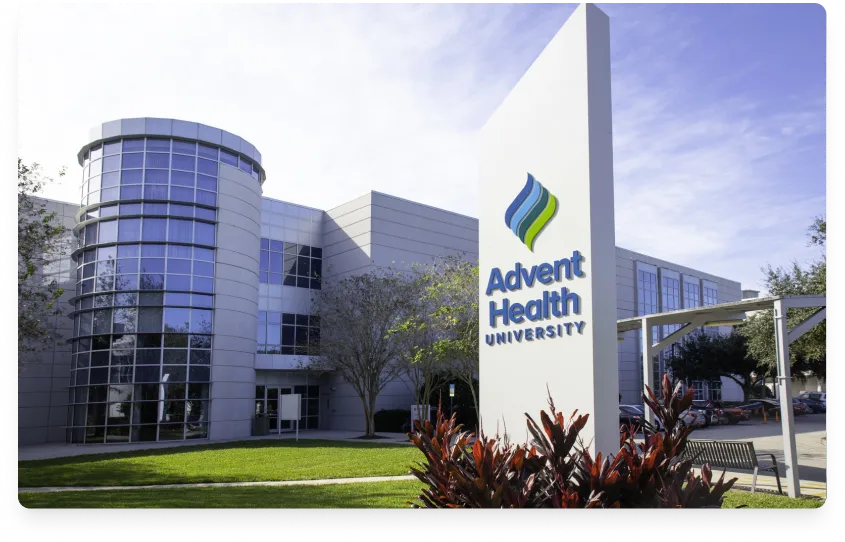
AdventHealth University: 25 Years of Alumni Records Into Salesforce
VALiNTRY360 helped AdventHealth University migrate 25 years of alumni records from disconnected systems into Salesforce through a full ETL process, with Outlook integration and activity tracking. The result was a full 360 view of each alumnus after graduation. The project shows how much history a migration can carry when it is planned well.

All American Solar: Sales Cloud Quick Start
VALiNTRY360 helped All American Solar switch to Salesforce with lead and opportunity processes that match its workflow, bidirectional Gmail synchronization and standard dashboards its team can maintain. The company saw 16% quarterly growth year over year after implementation. The project shows a small team moving to Salesforce without needing a full-time administrator.

BIC Graphic: Sales Cloud and Service Cloud Implementation
VALiNTRY360 helped BIC Graphic bring field sales, inside sales, quoting and customer service onto one Salesforce platform with ERP integration. Average handle time dropped by 7 minutes and new pipeline opportunities rose by more than 27%. The project shows how connected data and integrations pay off after the move.
HubSpot to Salesforce Migration Services
FAQ by VALiNTRY 360
HubSpot to Salesforce migration is the process of moving your CRM data, automations and integrations from HubSpot into Salesforce. It includes extracting every data type, mapping objects and fields, cleaning data, loading records and history, rebuilding workflows and training your team.
Start with an audit of your portal, plan the extraction for every data type, map objects and fields to Salesforce, clean the data, rehearse the load in a sandbox, rebuild your automations and cut over with a data freeze. We handle each step and keep you involved in every approval.
Teams switch for deeper customization, more custom objects, stronger reporting, a larger ecosystem of integrations and one platform for sales, service and marketing. We help you decide whether the move fits your goals and which parts of HubSpot should stay.
You export or extract the contacts, decide which become Leads and which become Contacts, map properties to Salesforce fields and load in the right order with companies first. Associated deals, tickets and activity need their own steps. We plan all of it and test on real records.
HubSpot's export has limits. Its documentation states that engagements such as calls and notes are excluded, that a default export lists up to 1,000 associated records per column and that downloads expire after 30 days. For a full migration we extract those through the API and in full CSV exports.
No, they do not transfer automatically. We review each workflow and sequence, then rebuild the ones that still serve a purpose as Salesforce Flow or the right sales engagement tool, and retire the rest.
Yes. Deals become Opportunities, and we map each pipeline and stage to a Salesforce sales process. We preserve stage history where it matters and compare forecast totals with HubSpot before go-live.
Yes. We carry source, campaign, form submission and opt-out fields into Salesforce and test suppression before any campaign runs. Which marketing tools you use after the move depends on the path you choose.
The timeline depends on record volume, history depth, custom objects, workflows, marketing scope, integrations and how fast your team approves mappings. We give you a dated plan after the audit, and a simple portal moves faster than one with heavy customization.
The cost depends on data volume, custom objects, automations, marketing scope, integrations and the cleanup your data needs. We quote after the audit so the scope is clear. Salesforce licenses and third-party tools are separate costs that we confirm during scoping.
A migration tool can work for a small portal with standard objects and no custom logic. Engagements, associations, consent, workflows and ongoing sync need design work that tools rarely do. We recommend a partner when history, automation or compliance matter.
Not when the project is planned and checked. We use HubSpot record IDs, row counts, association checks and sample testing of real customer records after each rehearsal, and we recommend keeping HubSpot available until your team signs off.
We plan cutover to keep disruption short. We rehearse the load in a sandbox, freeze HubSpot for a brief window, load the final changes and validate before users switch. For heavier setups we may recommend a phased cutover or a short parallel run.
Yes. Many teams move the CRM to Salesforce and keep HubSpot marketing tools connected. We define which system owns each field so the two stay aligned, and we price that path next to a full move.
Look for a consultant who plans extraction for engagements and associations, agrees the contact-versus-lead rule with your teams, handles consent, shows case studies from similar moves and tests with real customer records. Ask how they handle cutover and the data path after go-live.