
Salesforce Integration with NetSuite
Connect Salesforce CRM and Oracle NetSuite ERP to sync customer, sales, order, invoice, payment, inventory, and revenue data across your business.
VALiNTRY360 helps businesses integrate Salesforce with NetSuite so sales, finance, accounting, service, and operations teams can work from the same accurate data. We design, build, test, and support Salesforce NetSuite integrations that reduce manual entry, prevent duplicate records, speed up quote-to-cash workflows, and improve visibility across the full customer lifecycle.
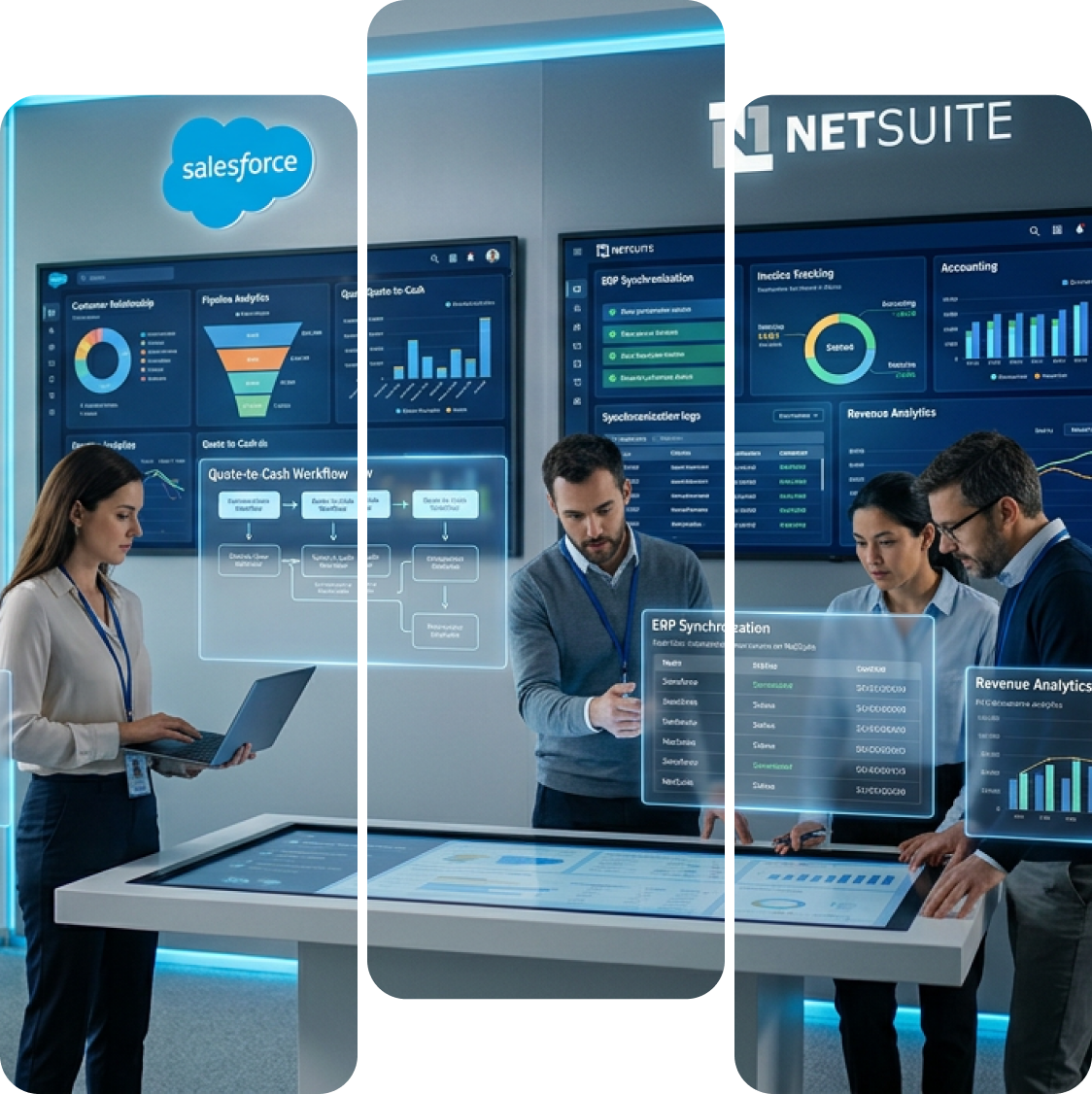
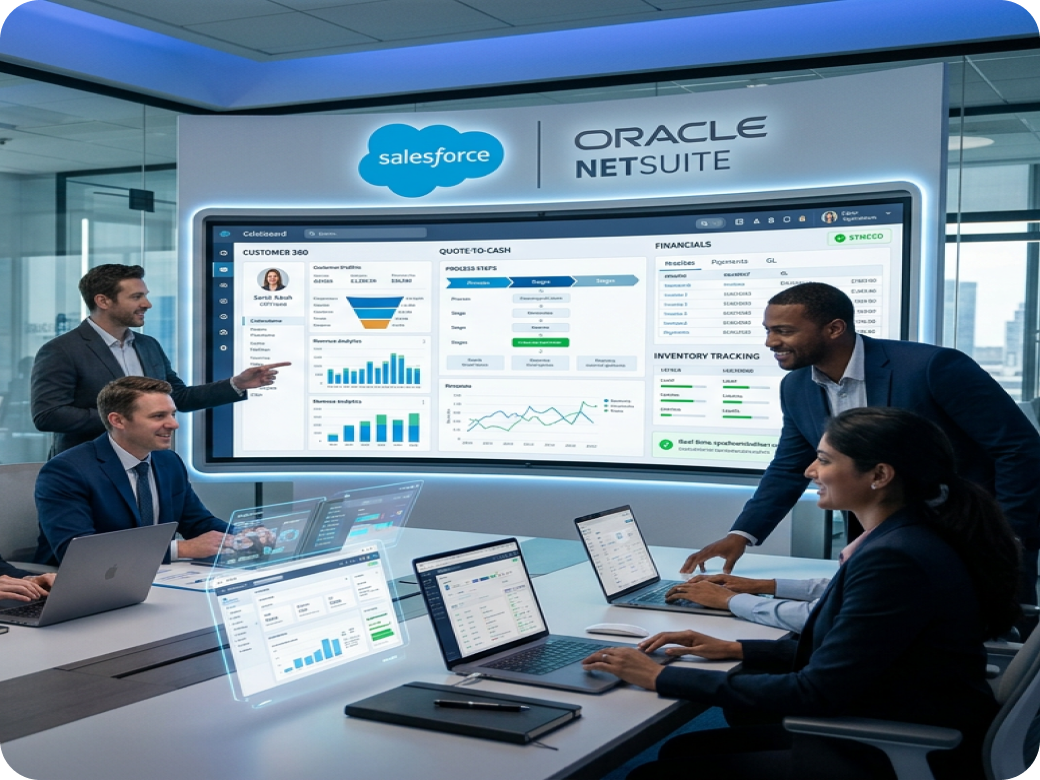
What Is Salesforce Integration with NetSuite?
Salesforce integration with NetSuite connects Salesforce CRM with Oracle NetSuite ERP so customer, sales, order, invoice, payment, inventory, and revenue data can move smoothly between both systems. It helps sales, finance, accounting, operations, and service teams work from accurate shared data instead of relying on manual entry, spreadsheets, or disconnected reports. With the right integration setup, businesses can reduce data errors, improve order visibility, speed up billing, and create a more consistent workflow from lead management to revenue tracking.
Our Core Services for Salesforce Integration with NetSuite
VALiNTRY360 provides Salesforce Integration with NetSuite services that connect CRM and ERP data across sales, finance, accounting, operations, and customer service. Our approach covers planning, secure integration setup, field mapping, workflow automation, user training, and ongoing support so your teams can work from accurate, synced data.
- 01
- Consultation and Integration Planning
We begin by reviewing your Salesforce and NetSuite environments, business workflows, data model, reporting needs, and manual handoffs. This helps define what should sync, which system owns each record, and whether your business needs connectors, middleware, iPaaS, REST APIs, RESTlets, or custom integration.
- 02
- Salesforce NetSuite Integration Setup
Our team configures secure Salesforce NetSuite integration using the right connection method for your business. This may include Salesforce API setup, NetSuite token-based authentication, Connected App configuration, integration users, middleware setup, sandbox testing, and real-time or scheduled data sync.
- 03
- Custom Data Mapping
We map Salesforce objects, custom fields, and workflows to the right NetSuite records so data stays consistent across both platforms. This includes accounts, customers, contacts, products, items, price books, sales orders, invoices, payments, fulfillment updates, and custom business data.
- 04
- Quote-to-Cash Automation
VALiNTRY360 automates key sales and finance workflows between Salesforce and NetSuite. This can include lead-to-customer handoffs, opportunity-to-order processes, quote-to-cash automation, invoice visibility, payment updates, inventory sync, fulfillment tracking, revenue reporting, and sales-finance notifications.
- 05
- Documentation and Adoption
We provide role-based training and clear documentation so sales, finance, service, operations, and admin teams understand how the integration works. Users learn what data syncs, where to find it, how ownership rules work, and how to handle common exceptions.
- 06
- Integration Support Services
After launch, we monitor sync performance, resolve errors, update field mappings, improve workflows, and support Salesforce and NetSuite platform changes. Our post-integration support helps keep your CRM ERP integration stable, scalable, secure, and aligned with changing business needs.
Key Business Benefits of Salesforce Integration with NetSuite
Salesforce and NetSuite integration gives your teams a connected view of sales, finance, customer, inventory, and revenue data. Instead of switching between systems, exporting spreadsheets, or waiting for manual updates, each team can work from accurate information inside the tools they already use.

Faster Quote-to-Cash Workflows
Move approved opportunities, quotes, and orders from Salesforce into NetSuite without manual re-entry. Sales teams can close deals faster, while finance and operations get the details they need to process orders, invoices, and fulfillment.
Better Invoice and Payment Visibility
Sales teams often need invoice status, payment updates, and account balance details before customer conversations. With the right integration, NetSuite invoice and payment data can be visible in Salesforce, giving account teams a clearer customer view.
Fewer Duplicate Records and Manual Errors
Manual data entry creates duplicate accounts, mismatched customer details, wrong order information, and reporting problems. Salesforce NetSuite integration helps reduce those errors with automated sync rules, validation logic, and clear data ownership.
Stronger Sales and Finance Alignment
Sales, finance, accounting, and operations can work from the same customer and transaction data. This reduces delays, improves handoffs, and helps teams resolve account, order, invoice, and fulfillment questions faster.
More Accurate Reporting and Forecasting
When CRM and ERP data are connected, leaders can compare pipeline, bookings, orders, invoices, revenue, payments, and customer history more easily. This improves forecasting, financial reporting, and business planning.
Scalable Operations
As transaction volume grows, manual processes become harder to manage. A well-built Salesforce NetSuite integration supports higher order volume, more users, more products, and more complex workflows without adding unnecessary manual work.
Our Process for Salesforce Integration with NetSuite
Step 1
Integration Readiness and Requirements Assessment
We start by reviewing how your teams use Salesforce and NetSuite today. This includes your CRM data, ERP records, quote-to-cash process, reporting needs, approval flows, and current manual work.
During this step, we identify:
- Which Salesforce and NetSuite records need to sync
- Which system should own each data field
- Where duplicate records or data conflicts may occur
- Which processes need real-time sync and which can run on a schedule
Step 2
Integration Architecture and Method Selection
Next, we choose the right integration approach based on your data volume, system complexity, budget, timeline, and support needs.
VALiNTRY360 can help you evaluate:
- Native or prebuilt Salesforce NetSuite connectors
- Salesforce AppExchange integration apps
- iPaaS tools such as Workato, Boomi, Celigo, Skyvia, or MuleSoft
- NetSuite RESTlets, SuiteTalk, SuiteScript, and REST APIs
Step 3
Data Mapping, Sync Rules, and Governance
Once the architecture is defined, we create the field mapping and sync logic.
This includes:
- Mapping Salesforce objects to NetSuite records
- Defining one-way or bidirectional sync
- Creating ownership rules for customer, product, order, and finance data
- Setting matching logic to prevent duplicates
Step 4
API Configuration, Authentication, and Security
VALiNTRY360 configures the technical connection between Salesforce and NetSuite with secure access controls.
This can include:
- Salesforce Connected App setup
- Salesforce API endpoint configuration
- NetSuite token-based authentication
- OAuth configuration where required
Step 5
Workflow Automation and Error Handling
After the connection is configured, we build the workflows that keep data moving between systems.
Common automations include:
- Creating or updating NetSuite customers from Salesforce accounts
- Updating product, item, pricing, or inventory data
- Triggering alerts when sync errors occur
- Creating retry logic for failed records
Step 6
Testing, Launch, and Monitoring
Before launch, we test the integration in a sandbox environment and validate each workflow with sample and real business scenarios.
Testing includes:
- Field mapping validation
- Record creation and update testing
- Duplicate detection testing
- Sync timing review
What Salesforce NetSuite Integration Helps You Improve

Sales Operations
Sales teams can work with better customer, product, pricing, order, invoice, and payment visibility inside Salesforce. This helps reps answer customer questions faster and reduce delays during active deals.
Finance and Accounting
Finance teams can receive cleaner order and customer data from Salesforce, reduce manual entry, and process invoices faster in NetSuite. Payment status and account updates can also be synced back to Salesforce when needed.
Order Management
Approved opportunities, quotes, or orders can move from Salesforce to NetSuite with the right validation rules. This creates a cleaner handoff from sales to fulfillment, billing, and revenue teams.
Customer Service
Support and account teams can see a fuller customer picture, including order status, invoice history, fulfillment updates, and payment information. That context helps teams resolve customer questions with less internal follow-up.
Leadership Reporting
Executives can get clearer reporting across pipeline, bookings, orders, invoices, payments, and revenue. This improves forecasting and helps teams make decisions from connected CRM and ERP data.
When Is It Time to Integrate Salesforce with NetSuite?
- Duplicate Data Entry
If sales enters customer or order details in Salesforce and finance re-enters them in NetSuite, your business is spending time on work that should be automated. This also increases the risk of duplicate records, incorrect order details, and delayed invoicing.
- Missing Revenue Visibility
Sales and account teams need more than pipeline data. They often need to know whether an order has shipped, whether an invoice has been paid, or whether a customer has an open balance. Salesforce NetSuite integration brings that ERP visibility closer to the customer-facing team.
- Sales Order Delays
Manual sales-to-finance handoffs slow down order processing and invoicing. When Salesforce opportunities, quotes, or orders can flow into NetSuite with the right approvals and validation rules, finance can work faster with fewer back-and-forth requests.
- Unreliable Inventory Data
If sales teams quote products without accurate item, pricing, or inventory information, customers may receive delayed or incorrect answers. Syncing NetSuite item, pricing, and inventory data with Salesforce helps sales teams set better expectations.
- Reporting Takes Too Long
When revenue, pipeline, invoice, and payment data live in separate systems, reporting becomes slow and unreliable. Integration gives leadership a clearer view of the full customer and revenue lifecycle.
- Scaling Beyond Manual Processes
Manual syncs may work for a small team, but they create problems as order volume, product lines, locations, or business units grow. Salesforce NetSuite integration gives your systems a scalable foundation.
Challenges We Solve for Salesforce Integration with NetSuite
Salesforce and NetSuite integration can fail when data ownership, sync rules, custom fields, authentication, or error handling are not planned correctly. VALiNTRY360 helps prevent those issues before they affect users.
| Challenge | What Can Go Wrong | How VALiNTRY360 Helps |
|---|---|---|
| Complex data mapping | Salesforce and NetSuite may use different field names, data formats, required fields, and record relationships. | We map standard and custom fields, define transformation rules, and test each workflow before launch. |
| Duplicate records | Accounts, contacts, customers, items, or orders may be created twice if matching logic is weak. | We create matching rules, deduplication logic, data ownership rules, and validation checks. |
| Sync conflicts | A record may be updated in both systems at the same time, creating inconsistent data. | We define system-of-record rules, sync priority, timestamp logic, and exception handling. |
| API limits and performance issues | High transaction volume can slow down syncs or create failed jobs. | We design sync schedules, batching logic, retry rules, and monitoring based on transaction volume. |
| Custom workflows | Prebuilt connectors may not support your exact quote-to-cash, invoicing, inventory, or approval process. | We customize workflows with middleware, APIs, RESTlets, SuiteScript, or hybrid integration logic where needed. |
| Security and access control | Poor permissions can expose sensitive financial or customer data. | We use secure authentication, role-based permissions, dedicated integration users, audit trails, and least-privilege access. |
| Platform updates | Salesforce or NetSuite releases can affect fields, APIs, workflows, or connector behavior. | We monitor updates, test changes, and adjust the integration when business or platform requirements change. |
| Poor user adoption | Teams may not trust the integrated data if they do not understand how the sync works. | We provide documentation, training, and admin guidance so users know what data syncs and how to handle exceptions. |
Why Choose VALiNTRY360 for Salesforce Integration with NetSuite
VALiNTRY360 helps businesses connect Salesforce and NetSuite with the right mix of strategy, technical execution, testing, training, and ongoing support. Our U.S.-based team brings more than 50 Salesforce certifications and hands-on experience designing integrations that support sales, finance, operations, accounting, and customer service teams.
- Who We Are
VALiNTRY360 is a U.S.-based Salesforce consulting partner specializing in CRM-ERP integration. We connect Salesforce and NetSuite with precise field mapping, workflow automation, and post-launch support
- Certified Experts
Our professionals bring extensive certification and practical experience, delivering accurate and effective integration solutions.
- Ongoing Support and Training
Beyond implementation, we provide structured training and responsive support, helping teams adopt and use the integrated system with confidence.
- Security and Performance
VALiNTRY360 emphasizes strong security and system stability, delivering integrations that unify data, improve workflows, and support faster, smarter decision-making.

Explore Client Outcomes
See how VALiNTRY360 has helped businesses eliminate manual data re-entry between Salesforce and NetSuite, accelerate quote-to-cash cycles, and improve real-time visibility into invoices and order status.
Salesforce Integration with NetSuite
NetSuite and Salesforce Integration Built by Certified Experts
When opportunities, sales orders, and invoices don't sync cleanly, revenue leaks and teams stop trusting the data. VALiNTRY360 integrates NetSuite and Salesforce with a team certified as Platform Data Architects, Platform Developers, and Agentforce Sales Consultants. We design field mapping, sync direction, and exception handling around your full quote-to-cash process. The result is faster billing, accurate reporting, and sales and finance in lockstep, from a Salesforce-Branded Partner since 2018.
Salesforce Credential Deck
4 Core Specializations
- CERTIFIEDPlatform Developer

Salesforce Integration with NetSuite FAQ by VALiNTRY360
Authentication is managed with OAuth 2.0 for Salesforce and Token-Based Authentication (TBA) for NetSuite. These protocols work together to encrypt API access, and as a result, only authorized requests are allowed, reducing risks of data exposure.
Mapping begins with a detailed review of both systems’ data models. In addition, transformation rules and validation logic are applied, which ensures information stays consistent and supports complex business workflows across platforms.
When Salesforce opportunities convert to sales orders, invoices can be generated automatically in NetSuite after fulfillment. Therefore, the quote-to-cash cycle is faster, and manual errors are significantly reduced.
Integration tools provide real-time logs, alerts, and retry functions. Moreover, continuous monitoring and health checks help maintain uptime, improve data flow accuracy, and enable quick error resolution when issues occur.
Compliance is maintained through validation rules, audit trails, encryption, and role-based access. As a result, processes align with standards such as GDPR and HIPAA, while sensitive data remains protected at every stage.
Before integration, existing data should be reviewed for duplicates, missing fields, outdated records, inconsistent naming, and mismatched customer or product data. VALiNTRY360 can help assess data quality, define cleanup rules, and plan historical data migration when needed.
Yes. Approval workflows can be included so only approved opportunities, quotes, orders, discounts, or customer records move between Salesforce and NetSuite. This helps protect finance, billing, and fulfillment teams from receiving incomplete or unapproved data.
Yes. If your current connector is limited, unreliable, hard to maintain, or unable to support custom workflows, VALiNTRY360 can review the existing setup and recommend a better approach. This may include improving the current connector, moving to middleware, or building a custom API-based integration.
A well-planned integration should not disrupt daily operations. VALiNTRY360 uses discovery, sandbox testing, user acceptance testing, phased rollout planning, and post-launch monitoring to reduce risk. The goal is to launch the integration without interrupting sales, finance, billing, or order processing.
Yes. Many businesses connect Salesforce and NetSuite with other platforms such as ecommerce systems, marketing automation tools, customer support platforms, billing tools, data warehouses, or reporting dashboards. VALiNTRY360 can design the integration with future systems in mind so your architecture stays scalable.
Yes. Salesforce API access is usually required to connect Salesforce with NetSuite and allow data to move between both platforms. Before implementation, VALiNTRY360 reviews your Salesforce edition, API availability, user permissions, and integration access needs to confirm the right setup path.
It depends on the type of data. Salesforce is often the system of record for leads, opportunities, sales activity, and customer relationship data. NetSuite is often the system of record for financial data, invoices, payments, inventory, fulfillment, and revenue. VALiNTRY360 helps define ownership rules so each platform updates the right records without conflicts.
Yes. Salesforce CPQ can be connected with NetSuite to support quote approvals, product configuration, pricing, sales orders, billing, and revenue workflows. The integration should be planned carefully so approved quotes move into NetSuite with accurate products, pricing, discounts, tax details, and customer information.
Yes. NetSuite inventory, item availability, product details, and pricing can be synced into Salesforce when sales teams need better visibility during quoting or customer conversations. This helps reps avoid selling unavailable products, quoting outdated prices, or waiting on operations for manual updates.
Yes, but these requirements need careful planning. Businesses using NetSuite OneWorld, multiple subsidiaries, multiple currencies, or complex tax rules need clear mapping between Salesforce records and NetSuite financial structures. VALiNTRY360 reviews these details before designing the integration logic.