
SugarCRM to Salesforce Migration Services
VALiNTRY360 moves your SugarCRM data, logic and integrations into Salesforce with the relationships, history and ownership rules your team depends on.
What Is SugarCRM to Salesforce Migration?
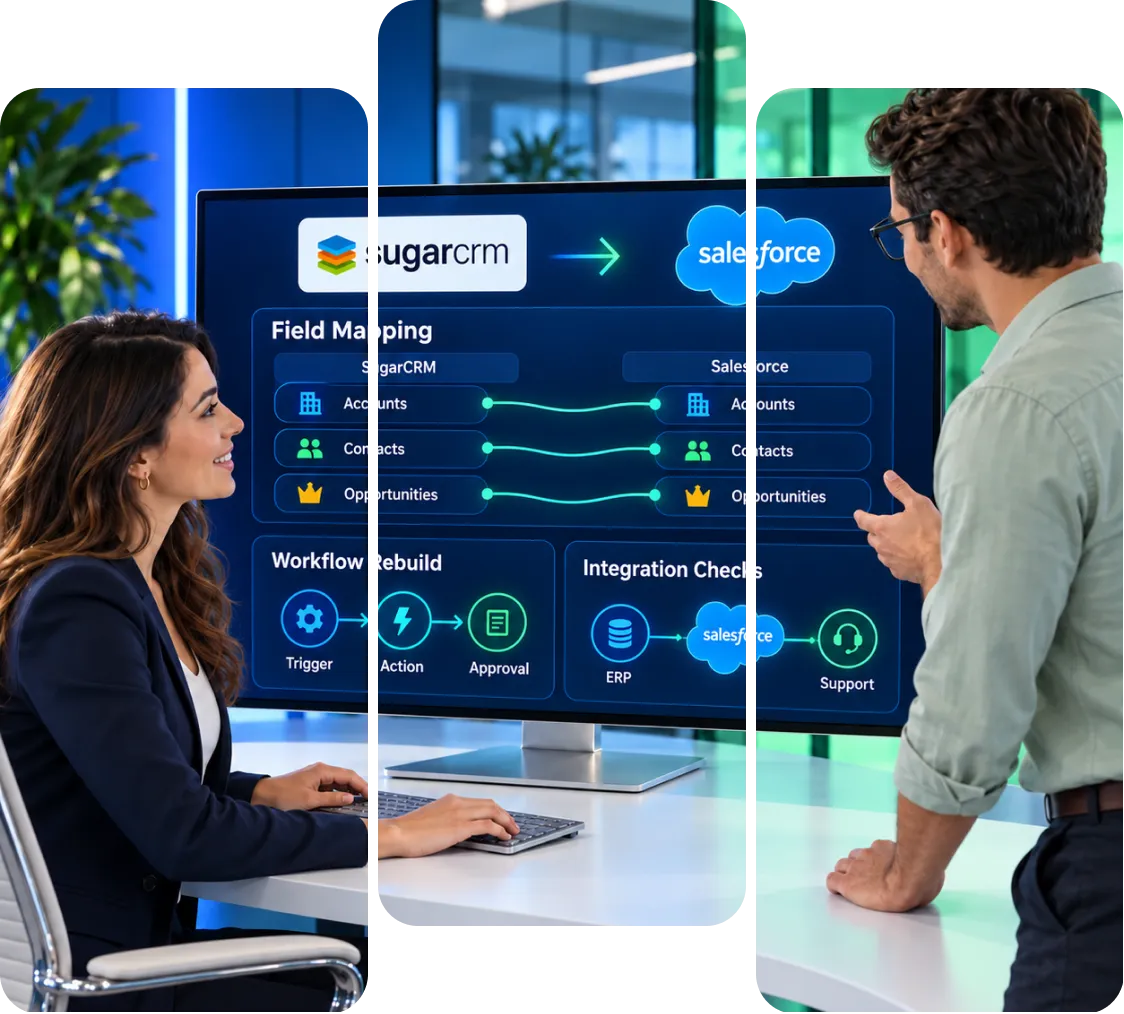
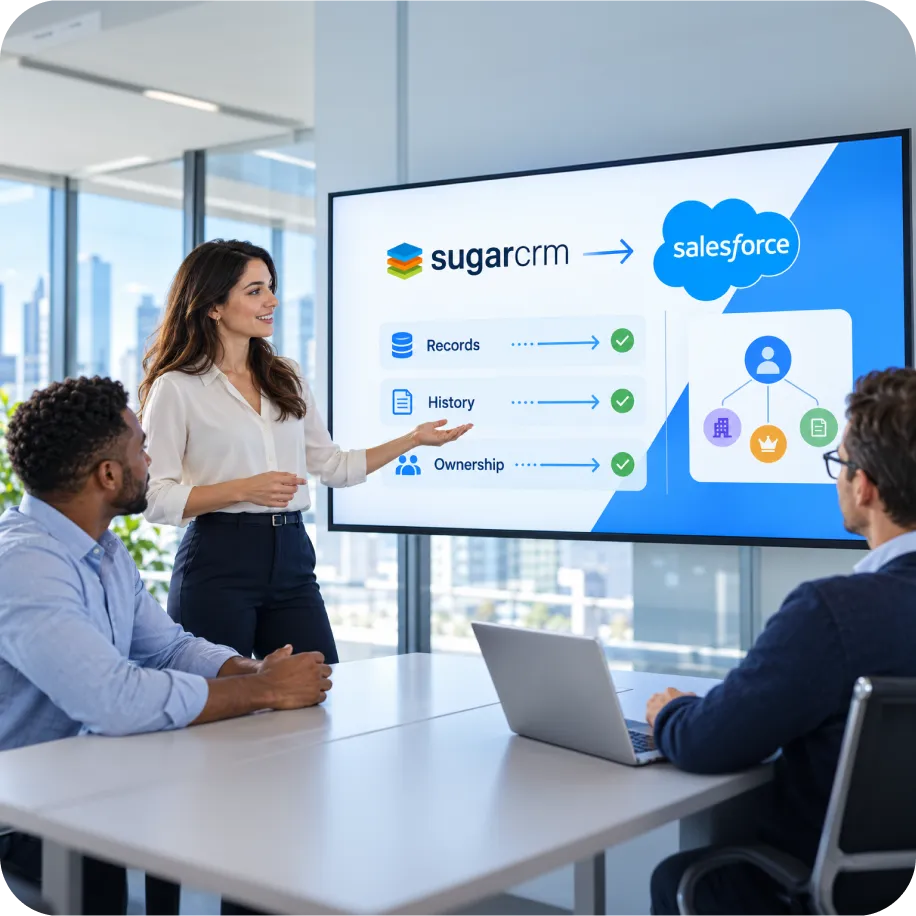
SugarCRM to Salesforce migration is the move of your CRM from Sugar to Salesforce, a full SugarCRM to Salesforce CRM migration of data, history and logic. It includes your accounts, contacts, leads, opportunities, cases and activity history, and it also includes the parts a simple export leaves out: relationships between records, notes, emails, documents, team-based access rules and the automations and custom code your team built over the years.
At VALiNTRY360, our SugarCRM to Salesforce migration services start with an audit of your Sugar environment and a plan for getting every piece of data out of it. We design the Salesforce data model, load in a sandbox until the checks pass and cut over with a plan that protects your pipeline. Want the wider picture on moving CRM data? Read about our Salesforce data migration services, which cover every source system we migrate from.
What Our SugarCRM to Salesforce Migration Services Include
We provide SugarCRM to Salesforce data migration services that cover the full project, from the first audit to the weeks after go-live. Every service ends in something you can review, so nothing is left to trust.
01
Sugar Environment and Version Audit
We start by learning how your Sugar system is built, because that decides how the move should run. A cloud-hosted Sugar org and a heavily customized on-site install call for different plans.
- Review of Sugar version, edition and hosting model
- Inventory of modules, custom fields, relationships and record volumes
- List of workflows, SugarBPM processes, logic hooks and custom code
- Written scope that names what moves, what is rebuilt and what is retired
02
Complete Data Extraction Plan
Sugar’s standard export does not carry everything out of the system. Our plan covers every data type, including relationships, notes, emails and documents, so none of it is discovered missing after go-live.
- Extraction method chosen for each module, such as export, API or database-level extraction
- Capture of relationship tables so links between records survive
- Download of documents and attachments with their parent record references
- Backup of the full Sugar data set before any change
03
Data Model Design and Field Mapping
Sugar modules and Salesforce objects overlap, but they do not match one to one. We design the Salesforce data model first and then build field-level mapping documents that you approve before any load.
- Mapping of each Sugar module and field to a Salesforce object and field
- Decisions for custom modules, such as a custom object or a related record
- Treatment of many-to-many relationships through junction objects
- Sugar record ID stored on every migrated record for traceability
04
Data Cleansing and Deduplication
A migration is the cheapest time to repair your data. We find duplicates, inconsistent values and orphaned records in Sugar before they arrive in Salesforce.
- Duplicate detection across leads, contacts, targets and accounts
- Standardization of picklists, phone numbers and country values
- Archive or removal of stale records with no business value
- Cleansing report with counts before and after
05
Migration With History, Notes and Documents
We move the data in the order Salesforce needs. Our SugarCRM data migration to Salesforce keeps customer timelines intact so users can see what happened before the switch.
- Load sequence that respects parent and child relationships
- Calls, meetings, tasks, notes and emails moved with their original dates and owners
- Documents stored as Salesforce Files and linked to the right records
- Row-count and sample checks after each rehearsal
How Sugar Concepts Translate to Salesforce
Sugar teams use their own vocabulary, and the closest Salesforce feature is not always an exact match. This table shows the usual translation before we review your setup.
In SugarCRM
Closest Salesforce equivalent
What we decide with you
Accounts and Contacts
Account and Contact
Account hierarchy, duplicate rules and record ownership
Leads and Targets
Lead and Campaign Member
Which targets are active prospects and which are list history
Opportunities and Revenue Line Items
Opportunity and Opportunity Products
How revenue lines and products are structured
Cases and Bugs
Case, or a custom object for bugs
Whether bug tracking belongs in Salesforce at all
Calls, Meetings and Tasks
Task and Event
How far back history should go
Notes, Emails and Documents
Notes, Email Messages and Files
Where each lives and how users find it
SugarCRM to Salesforce Migration Challenges We Solve
Teams planning a Salesforce migration from SugarCRM face a short list of recurring problems. Each is easier to handle when it is planned for early.
01Data That Does Not Fit in an Export File
A standard export does not carry subpanels, relationships, notes, emails or documents. Teams that stop at an export file arrive in Salesforce with accounts and contacts and no history.
Our solution:
We plan extraction for every data type before the first load and verify the result against real customer records.
02Team-Based Access That Does Not Copy Over
Sugar controls visibility with teams and team sets. Salesforce uses roles, sharing rules, queues and permission sets, so access has to be designed again.
Our solution:
We map who sees what today, simplify where the old setup grew messy and build the Salesforce access model for the way your teams work now.
03Custom Code and Logic Hooks
Years of custom modules, PHP code and logic hooks hold business rules that nobody has written down.
Our solution:
We inventory every customization during the audit, decide with you whether to rebuild, redesign or retire it and test each rebuild in the sandbox.
04Out-of-Support or Heavily Modified Installs
On-site Sugar systems on older versions are harder to update, extend or secure. Teams in that position want to move without losing what they built.
Our solution:
We document the current state, set a migration plan that fits your timeline and keep Sugar available for reference through validation.
How the SugarCRM to Salesforce Migration Project Runs
Every project follows four phases. The schedule depends on data volume, custom modules, code and integrations, so we set it with you after the audit.
PHASE
WHAT WE DO
WHAT YOU RECEIVE
1. Discover and audit
Review Sugar version, modules, customizations, data volumes and integrations
Written scope and migration plan
2. Design and map
Design the Salesforce data model, access model and field mappings
Mapping documents for your approval
3. Extract and cleanse
Extract every data type, remove duplicates and standardize values
Cleansing report and validated extracts
4. Build and rehearse
Rebuild automations, reconnect integrations and run full test loads in a sandbox
Test results against agreed checks
For a deeper look at how we protect history and test results, read our Salesforce data migration checklist, and see which tools we use in our guide to Salesforce data migration tools.
Industries We Serve With SugarCRM to Salesforce Migration
Each industry brings its own data, access rules and sales process. At VALiNTRY360, we shape the migration around the way your teams sell, serve and report.

Healthcare and Life Sciences
We migrate provider, referral and account relationships with careful field-level access and with the requirements of the Salesforce environment in use in mind.

Financial Services
We move client, account and opportunity history with the retention, supervision and audit needs of regulated teams built into the plan.

Manufacturing and Distribution
We bring accounts, orders and partner records into Salesforce and reconnect ERP and quoting systems.

High Tech and SaaS
We migrate pipeline, renewal and expansion data and rebuild the stage logic that drives forecasting.

Professional Services
We move client, contact and opportunity history so account teams keep the relationship context they depend on.

Associations and Nonprofits
We migrate constituent, member and partner records with the reconciliation rules that keep them accurate over time.
VALIDATION & ADVISORY PROOF
What Clients Say About Working With VALiNTRY360
Our clients value our ability to understand their business needs, deliver practical solutions, and provide ongoing support that helps their teams succeed.
Dawn Creft
Director of Alumni Relations, AdventHealth University
Support
“Exceptional team, project was completed in record time and it meets all of our needs.”
“I am always confident that the team will solve any issue that arises.”
Christine Spencer
General Manager, All American Solar
Guidance
“They tailored Salesforce to fit our needs and wants and walked us through every step of the process. We could not be happier with the result!”
Erin Yeagley
Director Sales and Marketing, Academy Leadership
Responsiveness
“Since partnering with them, we’ve seen significant improvements in our sales and marketing processes, leading to increased efficiency and revenue. Their professionalism and responsive service make them an invaluable partner.”
Kelly Hicks,
CFO, BlueShift Cybersecurity
Value
“Their deep knowledge of Salesforce and industry best practices have enabled us to streamline our order-to-cash process and track key pipeline conversion metrics. They are thoughtful, easy to work with and budget conscious.”
Jeremy McPeak
@jwmcpeak
I just received an invite to @reflectnotes, and holy crap! It is well thought out, and I can see this being my note- taking platform going forward. Well done! I’m looking forward to seeing how the app progresses.
Jonathan Simcoe
@jdsimcoe
All righty. I have to give a massive shout-out to @maccaw for pioneering @reflectnotes. It has already matured to a point where it is a daily driver for me. The speed, focus, and attention to detail (especially perfect bits of structured data) is superb.
Migration Tool, Partner or Your Own Team?
Teams moving from Sugar to Salesforce usually weigh three ways to do it. The table compares them on the points that decide the outcome.
Question
Self-service migration tool
Your own team
SugarCRM to Salesforce migration partner
Moves standard records
Yes, for supported modules
Yes, with import tools
Yes, with mapping you approve
Moves relationships, notes and documents
Depends on the tool and the module
Needs custom work
Planned and checked as its own track
Rebuilds workflows and custom code
No
Possible if you have the skills
Yes, with a decision for each item
Redesigns team-based access
No
Possible, but easy to underestimate
Yes, as part of the data model
A tool suits a small org with standard data and no custom code. A partner pays off when relationships, history, automation or compliance matter.
What Does SugarCRM to Salesforce Migration Cost?
SugarCRM to Salesforce migration costs depend on data volume, custom modules, automations, integrations, and data quality. We assess your existing environment, define the project scope, and provide a quote based on your migration requirements.
1. Salesforce Licensing
Salesforce licensing costs depend on the edition, number of users, and access requirements. We recommend the appropriate license mix during the initial assessment to help manage expenses.
Salesforce edition and licensing requirements
Number of users and access levels
License recommendations based on business needs
Licensing costs confirmed during project scoping
2. Data Volume and History
Migration costs vary based on the number of records, historical data, and relationships that need to be transferred. We assess your data requirements and determine what should move to Salesforce.
Total number of records requiring migration
Historical data and activity records to transfer
Data storage and migration complexity
Record validation and completeness checks
3. Custom Modules and Code
Custom SugarCRM modules and code can increase migration complexity and costs. We review existing customizations, identify essential functionality, and determine what needs to be rebuilt in Salesforce.
Assessment of existing SugarCRM custom modules
Review of custom code and dependencies
Identification of unnecessary customizations
Migration of essential business functionality
4. Workflows and Automations
Existing SugarCRM workflows may require rebuilding to function correctly in Salesforce. We evaluate each process, prioritize essential automations, and remove outdated workflows to avoid unnecessary migration costs.
Evaluation of existing SugarCRM workflows
Identification of essential business processes
Rebuilding automations within Salesforce
Testing workflows for accuracy and performance
5. Integrations and Data Cleansing
Third-party integrations and poor data quality can increase migration effort and expenses. We review system connections, identify data issues, and prepare clean records before transferring them to Salesforce.
Review of existing third-party integrations
Prioritization of essential system connections
Removal of duplicate and outdated records
Data validation before Salesforce migration
6. Training and Post-Migration Support
Training and support costs depend on the number of users, their roles, and the level of assistance required. We provide practical Salesforce training and post-migration support to help teams adapt to the new system.
Role-based Salesforce training for users
Guidance on new workflows and processes
Post-migration troubleshooting and assistance
Ongoing support during the transition period
Salesforce licensing and third-party tools are priced separately from our migration services. We confirm these costs during project scoping to provide clarity before implementation. Learn how proper planning can reduce expenses in our guide on what a failed Salesforce data migration costs to fix.
Start With a SugarCRM Migration Assessment
A SugarCRM migration to Salesforce starts with facts. Tell us which Sugar version and edition you run, how your teams use it and what connects to it. For your SugarCRM Salesforce migration, we will audit the setup, plan the extraction and recommend what to move, rebuild and leave behind before you commit to a full project.
Business Outcomes We Measure After the Move
We agree measures before the project and compare them after go-live. These are the areas we usually track.
Outcome Area
Example Measure
Why It Matters
Data accuracy
Duplicate rate and missing-field rate before and after
Shows whether the migration improved the data
Manual work
Hours spent on data entry and spreadsheet cleanup
Shows time returned to the team
Adoption
Active users and records updated in the first 90 days
Separates real use from a quiet fallback to old habits
Pipeline visibility
Share of opportunities with current stage and next step
Shows whether forecasts can be trusted
History completeness
Sample customer timelines that match Sugar
Shows whether the migration kept the past
Support load
Questions raised in the first 30 days after go-live
Shows how well training worked
Why Choose VALiNTRY360 as Your SugarCRM to Salesforce Migration Partner?
Salesforce migration from SugarCRM and other CRMs is work we do every day. As your SugarCRM to Salesforce migration partner, we bring experience across Sales Cloud, Service Cloud, integrations, data quality and managed Salesforce support, and a U.S.-based certified team. Our Salesforce implementation services cover the build side of the project, our Sales Cloud implementation services cover the sales process your opportunities move into and our Service Cloud implementation services cover cases and support.
Audit before anything moves.
We find what you use and decide what to move, rebuild or retire.
Extraction planned for every data type.
Notes, emails and documents get their own track.
Mapping you approve.
The owner of each object signs off on every mapping.
Access redesigned.
Team-based visibility becomes a Salesforce access model that fits today.
Rehearsed cutover.
We practice in a sandbox until the checks pass and plan a clear go or no-go moment.
Support after go-live.
We stay close during hypercare, and our managed services team can take over afterward.
For help organizing your data model and ownership, see our Salesforce data strategy and architecture work. For ongoing administration after launch, explore our Salesforce managed services. If Sugar connected to finance or operations, our guide to ERP integration with Salesforce shows how we approach it.
Real California Milk: SugarCRM to Salesforce Migration
VALiNTRY360 helped Real California Milk move accounts and contacts from SugarCRM into Salesforce Sales Cloud with an ETL tool and custom automations that run quarterly imports. Accounts and contacts now reconcile automatically, annual labor hours spent manually updating data fell from 500 to 4 and Salesforce became the single source of truth. Custom dashboards track the organization’s KPIs. The project shows the ongoing data path that decides whether a migration lasts.

AdventHealth University: 25 Years of Alumni Records Into Salesforce
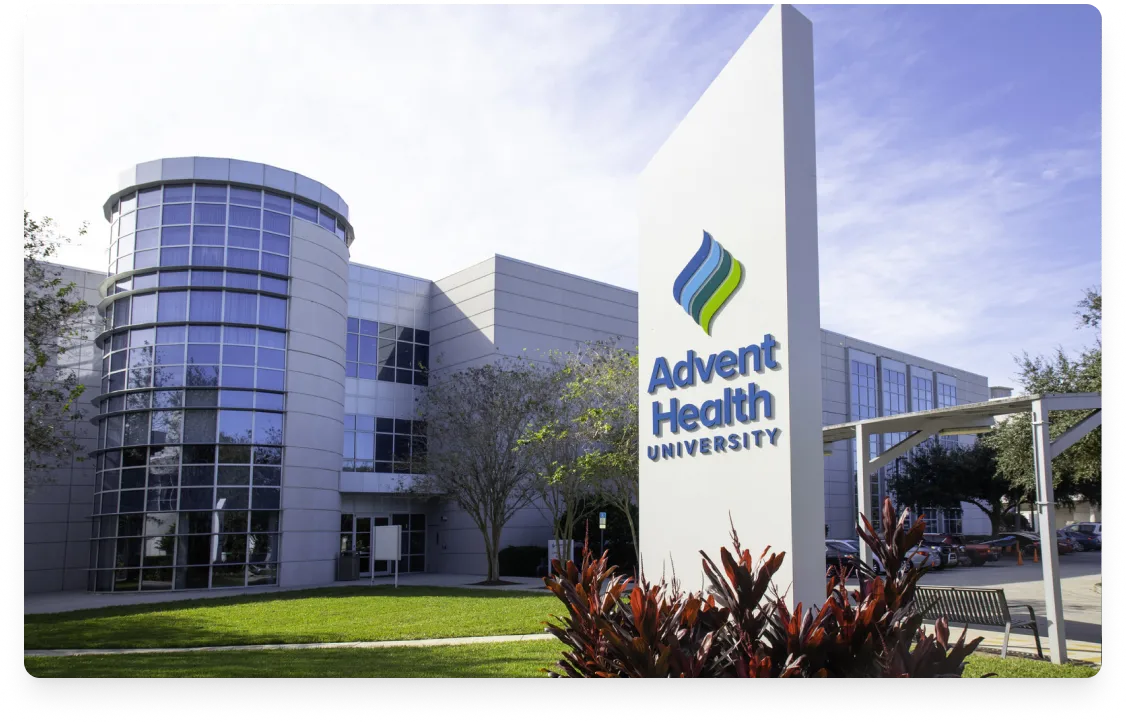
VALiNTRY360 helped AdventHealth University migrate 25 years of alumni records from disconnected systems into Salesforce through a full ETL process, with Outlook integration and activity tracking. The result was a full 360 view of each alumnus after graduation. The project shows how much history a migration can carry when it is planned well.

Ravago: Marketing Cloud Data Architecture Overhaul
VALiNTRY360 helped Ravago reengineer its Marketing Cloud data architecture and automations to segment a new direct-to-consumer audience. The program recorded $500K in new revenue in its first 3 months. The project shows the value of fixing the data foundation before building on it.

Kroger Prescription Plans: Contract Renewal Automation
VALiNTRY360 helped Kroger Prescription Plans replace an unstructured sales and renewal process with a standardized one on Salesforce Service Cloud, including automated contract renewals and live executive dashboards. Renewal rates rose 14% and the sales cycle shortened by 4 months. The project shows what a standard process delivers once the data lives in one place.
SugarCRM to Salesforce Migration Services
FAQ by VALiNTRY 360
SugarCRM to Salesforce migration is the process of moving your CRM data, customizations, automations and integrations from Sugar into Salesforce. It includes extracting every data type, mapping modules to objects, cleaning data, loading records and history, rebuilding workflows and training your team.
Start with an audit of your Sugar setup, plan the extraction for every data type, map modules and fields to Salesforce, clean the data, rehearse the load in a sandbox, rebuild your automations and cut over with a data freeze. We handle each step and keep you involved in every approval.
Teams switch for deeper automation, a larger ecosystem of integrations, stronger reporting and one platform for sales, service and marketing. Others move because an on-site Sugar version is out of support or its custom code is costly to maintain. We help you decide whether the move fits your goals.
Sugar's standard export has limits. Its documentation states that Select All covers the first 1,000 records, that large exports can time out and that subpanel data, relationships, notes, emails and documents are not included. For a full migration we extract those through the API or database-level methods.
No, they do not transfer automatically. We review each workflow, SugarBPM process and logic hook, then rebuild the ones that still serve a purpose as Salesforce Flow, approval processes or Apex, and retire the rest.
We store the Sugar record ID on every migrated record and rebuild relationships in Salesforce using lookups and junction objects. For each custom module we choose a custom object, a related record or a field, and you approve each decision before data moves.
Sugar team sets do not copy over. We design a Salesforce access model with roles, sharing rules, queues and permission sets that match how your teams need to work today, and we test it with real users before go-live.
Yes. Our SugarCRM data migration to Salesforce moves notes, emails, calls, meetings and documents with their original dates and owners. We store documents as Salesforce Files linked to the right records, and we review volumes during the audit because they affect storage.
The timeline depends on data volume, custom modules, code to review, automations to rebuild and integrations to reconnect. We set the schedule after the audit, and a simple org moves faster than one with heavy customization.
The cost depends on data volume, custom modules and code, automations, integrations and the cleanup your data needs. We quote after the audit so the scope is clear. Salesforce licenses and third-party tools are separate costs that we confirm during scoping.
A migration tool can work for a small org with standard modules and no custom code. Relationships, notes, documents, workflows, access rules and ongoing sync need design work that tools do not do. We recommend a partner when history, automation or compliance matter.
Not when the project is planned and checked. We use Sugar record IDs, row counts, relationship checks and sample testing of real customer records after each rehearsal, and we recommend keeping Sugar available until your team signs off.
We plan cutover to keep disruption short. We rehearse the load in a sandbox, freeze Sugar for a brief window, load the final changes and validate before users switch. For heavier setups we may recommend a phased cutover or a short parallel run.
Confirm your Sugar version and hosting, decide who owns the project, list the modules, automations and code you use, clean obvious duplicates and agree how much history to keep. Our audit covers each of these steps and gives you a written scope.
Look for a consultant who plans extraction for relationships, notes and documents, redesigns access around your current teams, shows case studies from similar moves and tests with real customer records. Ask how they handle workflows, custom code, cutover and the data path after go-live.