
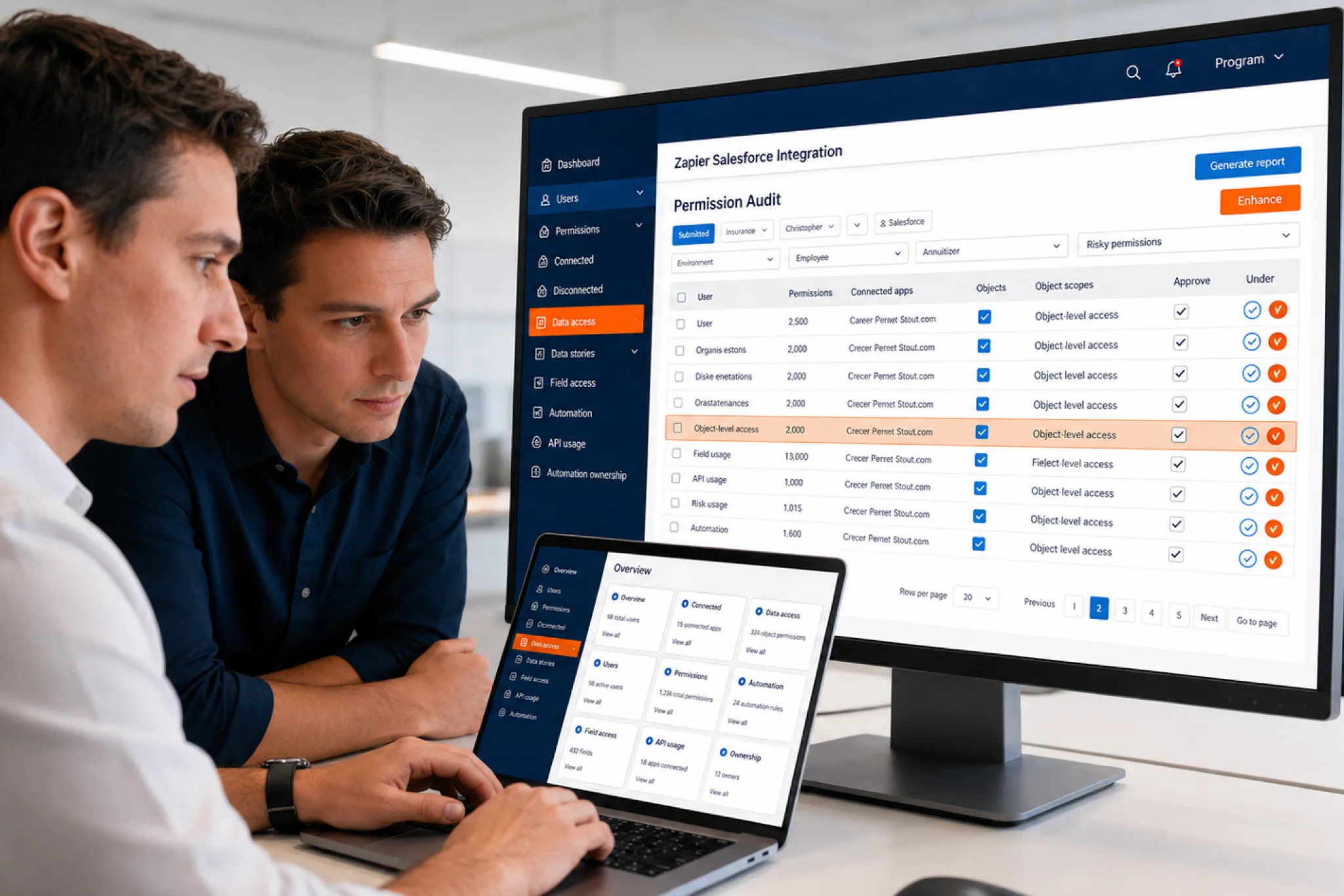
- Salesforce Integration
Somebody in marketing connected Zapier to Salesforce 8 months ago. Nobody remembers who approved it, which user account it runs under, or what data it can reach. If that sentence sounds familiar, you already understand why security questions about Zapier keep landing on admin desks.
Here’s our honest read after 20+ years of integration work at VALiNTRY360: a properly configured Zapier-Salesforce integration is safe enough for most sales, marketing, and operations workflows. Configuration is the part that decides it, and configuration is exactly where most teams get sloppy.
The past year made that point the hard way, twice. In August 2025, attackers stole OAuth tokens from one Salesforce integration vendor and quietly exported data from more than 700 companies. In November 2025 they did it again through a second vendor, using secrets harvested in the first attack. Salesforce has spent 2026 responding, turning a stack of security recommendations into hard enforcement across every org. So the useful question has shifted from “is Zapier safe” to “have we run the checks that decide whether our setup is safe.”
This guide covers exactly those checks. You’ll see how a Zapier Salesforce integration actually works under the hood, what Zapier’s security record shows, what the 2025 breaches taught every Salesforce admin, a 12-point checklist you can run this week, and a clear comparison of when Zapier fits and when you need something stronger.
TL;DR
OAuth Tokens Became 2025’s Favorite Attack Path
Connecting Zapier to Salesforce runs on the same OAuth trust model that attackers abused in the Salesloft, Drift, and Gainsight breaches, exposing 700+ orgs. Zapier’s platform is well-audited and encrypted, yet the trust mechanics deserve the scrutiny most teams never apply.
Your Configuration Decides the Risk, Not the Vendor
Admins inherit the hard questions: which user account the connection runs under, what permissions it carries, which record data lands in Zapier’s task history, and who’s watching after launch. Skip those decisions and no SOC 2 certificate can protect your CRM.
12 Checks That Make the Connection Defensible
The article walks through a 12-point audit, from dedicated integration users and the silent 5-token limit to Salesforce’s 2026 enforcement wave, then compares Zapier against Flow, custom APIs, and middleware so you know exactly when each approach fits your org.
The Short Answer for Busy Admins
Somebody connected Zapier to Salesforce months ago, and nobody remembers who approved it. Sound familiar? A Zapier Salesforce integration is safe when it’s configured well. These 12 checks tell you whether yours actually is.
The platform itself is reasonably secure. Zapier carries SOC 2 Type II and SOC 3 attestations audited annually, encrypts traffic with TLS 1.2 or higher and stores data with AES-256 encryption, runs yearly third-party penetration tests, and maintains a bug bounty program. Its latest SOC 2 report covers June 2025 through May 2026.
Your setup is the variable. In practice, the exposure points are the OAuth connection itself, the permissions of the Salesforce user that connection runs under, the record data your Zaps copy into Zapier’s task history, and the absence of anyone monitoring all of it after launch. Every one of those sits under your control. Every one gets ignored in the average org.
The 2025-26 lesson. The Salesloft Drift breach showed what happens when a third-party app’s OAuth tokens get stolen: attackers used trusted tokens to export data from 700+ Salesforce orgs without exploiting Salesforce itself. The Gainsight incident 3 months later ran the same playbook through a different vendor. Zapier relies on the same OAuth trust model, which is why the checks below deserve an hour of your week.
If you only do 3 things: run the connection through a dedicated integration user with least-privilege permissions; set the connected app to admin pre-authorization; and review token activity quarterly.
What a Zapier Salesforce Integration Actually Is
A Zapier Salesforce integration connects your Salesforce org to thousands of other apps through automated workflows called Zaps. Each Zap pairs a trigger, an event such as a new lead, with one or more actions, such as posting an alert to Slack, adding a row to Google Sheets, or creating a Salesforce record from a form submission. Zapier talks to Salesforce through its APIs over an OAuth 2.0 connection, the same authentication standard every other connected app uses.
Two practical requirements trip people up early. Salesforce is a premium app on Zapier, so you need a paid Zapier plan. And your Salesforce edition needs API access, which Enterprise and Unlimited include but Professional only offers as a paid add-on.
How Triggers and Actions Work
Most Salesforce triggers on Zapier are polling triggers. Zapier asks Salesforce for new data on a schedule, every 1 to 15 minutes depending on your Zapier plan, and each poll consumes Salesforce API calls whether anything changed or not. Zapier’s own Salesforce guide lists New Lead, New Contact, New Record, Updated Record, and New Field History Tracking Event among the polling options.
One trigger works differently. New Outbound Message uses Salesforce outbound messages to push data to Zapier the instant something happens. It’s faster, it’s cheaper on API calls, and for time-sensitive Salesforce Zapier automation it’s usually the right choice.
On the action side, Zaps can create records, update records, and run Find Record searches before writing anything. That last step matters more than it looks: find-or-create logic is your first line of defense against duplicate leads and contacts.
What Zapier Can Touch Inside Salesforce
This is the part worth sitting with. Zapier’s access mirrors the access of the Salesforce user who authorized the connection. Authorize it with a system administrator login and every object, field, and record that admin can see becomes reachable through the API: Leads, Contacts, Accounts, Opportunities, Cases, Tasks, Campaigns, Files, and any custom object your org has built.
That design is the whole security story in one sentence. Zapier never gets more access than the connected user has, and it always gets exactly as much. Scope the user tightly and the connection is tame. Connect a super-user and you’ve handed an external platform the keys to your CRM. One boundary to note: the integration supports Sales and Service orgs but has no support for Marketing Cloud accounts.
What Teams Actually Automate With It
Abstract definitions only go so far, so here’s what a typical Zapier Salesforce integration handles in the wild:
- Sales: web form and ad campaign submissions become Salesforce leads within minutes, reps get Slack alerts when high-value opportunities change stage, and follow-up tasks create themselves.
- Marketing: webinar registrations flow in as campaign members, lead source fields update automatically, and qualified leads hand off to sales without a spreadsheet in between.
- RevOps: lookup steps standardize incoming records, reporting sheets refresh from live CRM data, and enrichment tools fill gaps before a rep ever opens the record.
- Support and finance: cases spawn from help desk tickets, order status lands on the account, and onboarding handoffs fire the moment a deal closes.
Notice what every example has in common: standard business data, moderate volume, and a delay of a few minutes that nobody feels. That profile is where this kind of CRM workflow automation shines, and it’s the baseline we’ll measure the risks against.
How to Connect Zapier to Salesforce the Secure Way
Plenty of guides show you how to connect Zapier to Salesforce in 5 minutes, and the 5-minute version is precisely how orgs end up with admin-credentialed connections nobody governs. Our setup sequence takes closer to an afternoon and saves you the incident review later.
- Step 1: Confirm the prerequisites. A paid Zapier plan, since Salesforce is a premium app there. API access on your Salesforce edition. My Domain deployed, which the Zapier connector requires.
- Step 2: Create the integration user before opening Zapier. Minimal profile, permission sets scoped to the objects and fields your planned Zaps will touch, API access enabled, nothing more.
- Step 3: Authorize the connection as that user. Log in to Salesforce as the integration user when you approve the OAuth prompt, so the connection inherits its narrow permissions instead of yours.
- Step 4: Lock the connected app policies. Set Permitted Users to admin pre-authorization, decide your IP relaxation stance, and set a refresh token policy with an expiry you can defend.
- Step 5: Build one Zap and test it hard. Run sample records through it and confirm required fields, duplicate rules, picklist values, and validation logic all behave before real traffic arrives.
- Step 6: Document and hand over. Record the owner, the data flow, and the failure playbook, then set the quarterly review reminder while you still remember why.
Done in that order, the integration starts life governed. Done in the 5-minute order, governance gets bolted on during an audit, which is the most expensive possible time.
What Zapier's Security Record Actually Shows
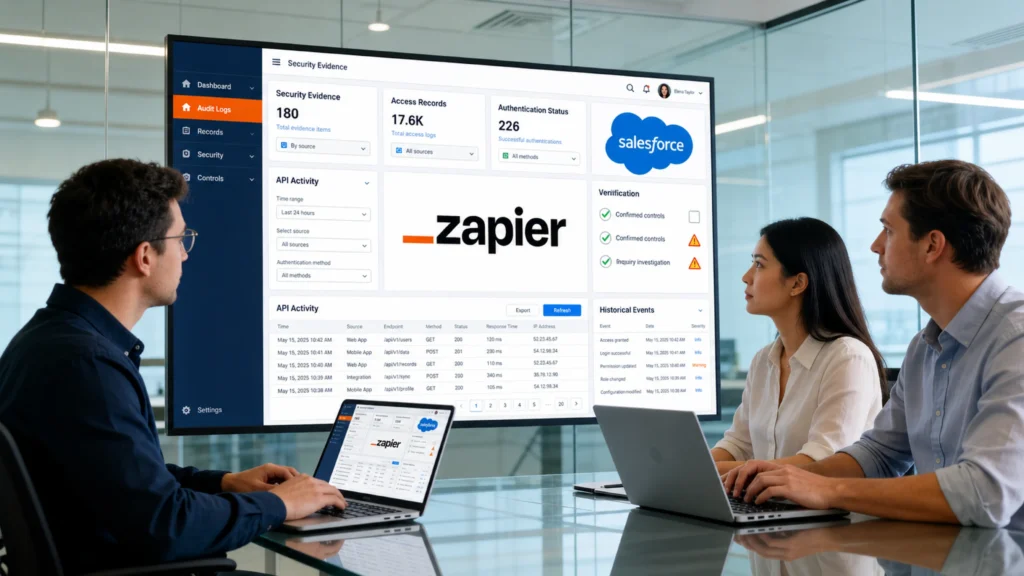
Vendors say “enterprise-grade security” so often the phrase has stopped meaning anything. Records mean more, so let’s look at Zapier’s, including the uncomfortable part.
The Platform Controls
- Independent audits. SOC 2 Type II and SOC 3 reports, refreshed annually, with the SOC 3 publicly downloadable from Zapier’s Trust Center.
- Encryption. TLS 1.2 or higher in transit, AES-256 at rest.
- Testing. Annual third-party penetration tests plus a standing bug bounty program.
- Privacy tooling. A GDPR Data Processing Addendum and support for data subject requests.
- Enterprise governance. Role-based access, folder-level sharing, audit logs, and configurable data retention on higher plan tiers.
Two hard limits sit alongside all of that. Zapier states plainly that it isn’t HIPAA-compliant and won’t sign a Business Associate Agreement, so protected health information has to stay out of your Zaps entirely. And its infrastructure is US-hosted, which matters if you have data residency requirements in the EU or elsewhere.
The February 2025 Incident, Honestly
Zapier had a security incident of its own. On February 27, 2025, an unauthorized user accessed some of Zapier’s internal code repositories through a two-factor authentication misconfiguration on an employee account. Production systems, databases, and payment infrastructure were untouched, but Zapier’s audit found that some customer data had been copied into those repositories for debugging and may have been exposed.
The takeaway for admins is less about Zapier specifically and more about a rule that applies to every vendor: assume any data you send to a third party can eventually surface somewhere you didn’t expect. That’s the strongest argument for check 7 below, which is about minimizing what leaves Salesforce in the first place.
What the Salesloft Drift Breach Taught Every Salesforce Admin
The bigger 2025 story involved a different integration entirely, and it reshaped how Salesforce treats every connected app, Zapier included.
Between August 8 and 18, 2025, a threat group tracked as UNC6395 used OAuth tokens stolen from the Salesloft Drift chatbot integration to run automated queries against hundreds of Salesforce environments. More than 700 organizations were affected, including major security companies. The attackers targeted support Cases specifically, harvesting AWS keys, Snowflake tokens, VPN credentials, and passwords that employees had pasted into case text. Salesforce revoked the tokens on August 20 and pulled the app from AppExchange, and FINRA issued a cybersecurity alert urging firms to audit every SaaS integration they run.
No Zapier Salesforce integration was involved in that breach. The reason it belongs in this article anyway: Drift connected to Salesforce through the same OAuth token model Zapier uses. A stolen integration token behaves like a stolen password that bypasses MFA, works silently through the API, and keeps working until someone revokes it. Treat every integration token in your org like a credential, because attackers already do.
The Gainsight Sequel Proved It’s a Pattern
Anyone hoping Drift was a one-off got their answer in November 2025. Between November 19 and 21, Salesforce detected unusual OAuth activity on connected apps published by Gainsight, a customer success vendor, and revoked every access and refresh token tied to those apps while pulling them from AppExchange. Google’s threat intelligence team linked the campaign to actors tied to ShinyHunters, and researchers reported the attackers had issued refresh tokens for roughly 285 Salesforce instances connected through Gainsight.
The detail that should change how you think about integration security: the attackers reportedly got into Gainsight using secrets harvested from support case data stolen in the Drift breach months earlier. One compromised integration funded the next. That chain is why cleaning up what your Zaps store, and what sits in your Cases, matters long after any single incident is contained.
How Salesforce Locked Things Down: 2025 Through 2026
Salesforce didn’t wait for customers to fix this individually, and the response has kept escalating through 2026. Here’s the timeline that matters for anyone running integrations today.
- September 2025: Uninstalled connected apps became blocked for most users by default, flipping the old allow-by-default model to deny-by-default, and the OAuth 2.0 device flow that enabled 2025’s vishing wave was removed entirely.
- December 2025: Self-authorizing uninstalled apps through the “Use Any API Client” permission was removed, closing the last broad bypass.
- Spring ’26: Creating new legacy connected apps is restricted by default, and External Client Apps are now the framework Salesforce wants new integrations built on, with tighter admin oversight of OAuth permissions baked in.
- May 2026: Salesforce set a firm deadline for AppExchange partners to implement mandatory security controls on their connected apps and External Client Apps, including PKCE and refresh token rotation, with de-listing on the table for non-compliance.
- Across 2026: A wave of platform-wide enforcement landed, and 2 items touch integrations directly. Since late April 2026, connections from anonymizing VPNs, proxies, and high-risk IP addresses are blocked, which hits API traffic and connected apps regardless of valid credentials. And the Summer ’26 release added restrictions on legacy SOAP login() calls while steering server-to-server integrations toward the client credentials flow with scoped permission sets. Phishing-resistant MFA is now enforced for admins and privileged users, though API-only integration users can still carry the MFA waiver.
Practical consequence: connecting Zapier to Salesforce in late 2026 involves deliberate admin approval, network-level screening, and a shrinking set of permissible auth flows, none of which existed 2 years ago. That’s a good thing. It also means your integration decisions are now squarely an admin responsibility, which brings us to the checklist.
12 Security Checks for Your Zapier Salesforce Integration
Run these in order. The first 6 cover access, the rest cover data, limits, and monitoring. Most take minutes; none require code.
1. Confirm Who Owns the Zapier Connection
Open Setup, search for Connected Apps OAuth Usage, and look for entries named “Zapier CLI App.” For each one, identify the human whose account authorized it and confirm they still work at your company. Connections authorized under a departed employee’s account are dangling tokens: the Zaps keep running, nobody owns them, and nobody reviews them. Security researchers flagged dangling OAuth access as one of the most common real-world Zapier risks, and it costs nothing to fix.
2. Replace Personal Logins With a Dedicated Integration User
This is the single highest-value change most orgs can make to a Zapier Salesforce integration. Create one Salesforce user whose only job is running the connection. Give it a minimal profile, grant access through permission sets, enable API access, and keep it far away from the System Administrator profile.
You get 3 wins at once. The connection survives employee offboarding. The audit trail becomes readable, because every API change traces to one account instead of blending into a person’s activity. And the blast radius shrinks: if the token is ever compromised, the attacker inherits a narrow permission set instead of an admin’s view of everything. Salesforce also offers Integration User licenses at reduced cost for exactly this pattern, so check whether your org already has them before buying a full license.
3. Cut Permissions to What the Zaps Actually Use
List every Zap and the objects and fields each one reads or writes. Then trim the integration user’s access to that list and nothing else. If your Zaps only create Leads and post Opportunity stage changes to Slack, the user needs those 2 objects, a handful of fields, and zero visibility into Cases, compensation fields, or anything else sensitive. Field-level security is your scalpel here. The Drift attackers went straight for Cases because support data is where credentials hide; an integration user who can’t see Cases can’t leak them.
4. Set the Connected App to Admin Pre-Authorization
In the connected app’s OAuth policies, change Permitted Users from “All users may self-authorize” to “Admin approved users are pre-authorized,” then grant access only to the integration user’s profile or permission set. While you’re on that page, review 2 more settings: IP Relaxation, which decides whether the connection must come from trusted ranges, and the refresh token policy, which controls how long a token lives before it must be reissued. Shorter token lifetimes shrink the window a stolen token stays useful.
5. Verify Your Org Against the 2025-26 Rule Changes
If your Zapier connection predates September 2025, it kept working through every change since, but the rules around it moved 3 times. Audit who holds the “Approve Uninstalled Connected Apps” permission, because it bypasses the deny-by-default model and should be rare; handing it out broadly recreates the trust-by-default posture that made the 2025 social engineering wave so effective. Then check 2 of the 2026 enforcements against your setup: confirm your integration traffic never routes through a VPN, proxy, or flagged IP range, since Salesforce now blocks those connections outright, and confirm your integration user’s MFA waiver status survived the mid-2026 MFA enforcement. For anything new you build, start from External Client Apps, since that’s the framework Salesforce is investing in and legacy connected app creation is already restricted.
6. Watch the Five-Token Limit Before It Breaks Something
Salesforce allows 5 active OAuth access tokens per user for a connected app. When a sixth is created, the oldest is revoked silently, with no notification to anyone. The symptom is a Zap that ran fine for months suddenly reporting that the Salesforce connection no longer works, usually at the worst possible time. Consolidating all Zaps under one dedicated integration user, with connections managed deliberately instead of ad hoc, is the reliable fix. If different teams keep authorizing their own connections, this limit will eventually bite you.
7. Decide What Data Is Allowed to Leave Salesforce
Every Zap run stores a copy of the record data it processed in Zapier’s task history, on Zapier’s US-hosted servers. So a Zapier Salesforce integration is a data flow decision, and it deserves the same scrutiny you’d give any export. Map only the fields the destination genuinely needs. Keep PHI out entirely, since Zapier offers no BAA. Keep payment card data out. If GDPR applies to you, execute Zapier’s DPA and confirm US processing fits your obligations. And if nobody in your org has written down which categories of CRM data may flow to which external tools, that’s a policy gap worth closing; our Salesforce data governance services exist because this exact question keeps coming up mid-incident instead of before it.
8. Map Fields Deliberately and Plan for Duplicates
Sloppy field mapping is a data integrity problem, and data integrity is a security property. Use Find Record steps before every create. Match on external IDs where you can. Align your Zap logic with Salesforce duplicate rules instead of fighting them, because a DUPLICATE_VALUE error in task history means the rules blocked a record and nobody handled it. Validation rules deserve the same respect: a Zap that writes partial records because required fields weren’t mapped is quietly corrupting the CRM your revenue reporting depends on. One scoping note: Zaps are for ongoing flows. If you’re bringing years of historical records across from a legacy system first, treat that as a proper migration project, which is what our Salesforce data migration services handle, and let the Zaps take over from day one forward.
9. Budget Your Salesforce API Calls
Salesforce limits API requests 2 ways: concurrent requests within a 20-second window, and total requests per rolling 24 hours, with caps that vary by edition and license count. A busy Zapier Salesforce integration eats into both. Polling triggers consume calls on every poll, and broad Updated Record triggers are the worst offenders because they fire on every edit to every record of that object. Scope them down to Updated Field on Record, or switch high-volume flows to outbound messages, and check Setup, System Overview regularly so Zapier’s consumption never starves the API budget your other integrations rely on.
10. Build Error Handling Before You Need It
A failed Zap run is silent by default, and silent failures create data gaps you discover weeks later in a broken report. Turn on error notifications and route them somewhere a human actually looks. Understand Zapier’s flood protection, which holds runs for confirmation when 100 or more events trigger at once, because a mass update in Salesforce can trip it and pause your automation until someone approves the backlog. Write a 1-page runbook per critical Zap: what it does, what failure looks like, how to replay missed runs. Future you will be grateful.
11. Monitor the Connection Like Any Other Credential
The Drift attackers operated for 10 days inside more than 700 orgs before detection, and they were only visible in API activity. Apply that lesson to your Zapier Salesforce integration: review the integration user’s login history and API call volume monthly, watch for query patterns that don’t match your Zaps, and if your org has Event Monitoring, put the integration user on your watch list. Set a quarterly calendar item to re-run checks 1 through 6. If you’d rather have outside eyes on it once, a Salesforce health check covers connected app posture along with the rest of your org’s configuration.
12. Plan the Exit Before You Scale
Every automation platform has a ceiling, and hitting it unprepared is its own risk. Document each Zap’s owner, purpose, and data flow now, while the list is short. Decide in advance which signals mean you’ve outgrown the tool, and when you do retire a Zap or the whole connection, revoke its tokens in Salesforce rather than just switching the Zap off. An integration you stopped using but never disconnected is the definition of forgotten attack surface.
Fold this into employee offboarding too. When anyone who has ever authorized a Salesforce connection leaves, part of the exit checklist should be checking Connected Apps OAuth Usage for tokens tied to their account and re-homing or revoking them the same week. Waiting for a Zap to break is how orgs discover dangling access months after the fact.
Common Problems That Are Actually Security Signals
Most troubleshooting guides treat integration errors as annoyances to click past. Half of them deserve a second look, because in a well-configured setup several “errors” are your security controls doing their job.
Symptom | Usual Cause | What It’s Telling You |
Salesforce fields missing in the Zap editor | Field-level security or object permissions on the integration user | Your least-privilege setup is working. Grant the one field the Zap needs; never fix this by escalating to an admin profile |
Connection suddenly “no longer working” | The 5-token limit revoked the oldest token, or a password change invalidated it | Connections are being created ad hoc. Consolidate under the integration user |
DUPLICATE_VALUE errors in task history | Salesforce duplicate rules blocked a create | Data quality rules held the line. Fix the Zap’s find-or-create logic, keep the rule |
REQUEST_LIMIT_EXCEEDED | Polling and broad triggers exhausted the 24-hour API allocation | Zapier is consuming budget your other integrations depend on. Rescope triggers or move to outbound messages |
Zap held by flood protection | 100+ trigger events arrived at once, often from a mass update | A throttle just saved you from 5,000 accidental writes. Investigate the upstream change before replaying |
OAuth app blocked at authorization | Post-September 2025 connected app restrictions | Deny-by-default is functioning. Route the request through proper admin approval instead of a bypass permission |
The pattern to internalize: when an error traces back to a permission, a duplicate rule, or a limit, the fix belongs in the Zap’s design, and the worst response is widening access until the error disappears. Errors that vanish because you granted admin rights haven’t been fixed. They’ve been hidden.
Zapier vs Other Salesforce Integration Options: A Security Comparison
Security posture depends on the architecture you choose, so here’s how the main options compare on the dimensions that matter to admins.
Option | Authentication Model | Where Your Data Travels | Governance and Monitoring | Best Fit |
Zapier | OAuth 2.0 via connected app; inherits the connected user’s permissions | Record data passes through and is stored in Zapier’s US-hosted task history | Zapier audit logs plus Salesforce OAuth monitoring; retention controls on higher tiers | Lead capture, alerts, and light CRM workflow automation |
Salesforce Flow | Native; runs inside the org, no external tokens | Data stays inside Salesforce unless a callout sends it elsewhere | Full platform audit trail and admin control | Automation that lives entirely within Salesforce |
Custom API integration | OAuth flows you design, ideally JWT bearer with a dedicated integration user | Direct system-to-system; no middleman stores your records | Whatever logging and alerting you build, which is a benefit and a burden | Complex logic, high volume, strict data control |
MuleSoft or middleware | Centrally managed credentials with enterprise policy enforcement | Governed pipelines with defined data residency options | Centralized monitoring, versioning, and access policy | Enterprise-scale, multi-system, compliance-heavy sync |
The honest comparison: a Zapier Salesforce integration trades some control for speed. You accept that record data transits a third party and that governance splits across 2 platforms, and in exchange you ship working automation in an afternoon without developers. For plenty of workflows that’s a sensible trade. For Salesforce-native logic that never needs to leave the org, Salesforce Flow avoids the external token entirely, and our Salesforce automation services team often ends up moving internal-only Zaps into Flow for exactly that reason.
When a Zapier Salesforce Integration Is the Right Call
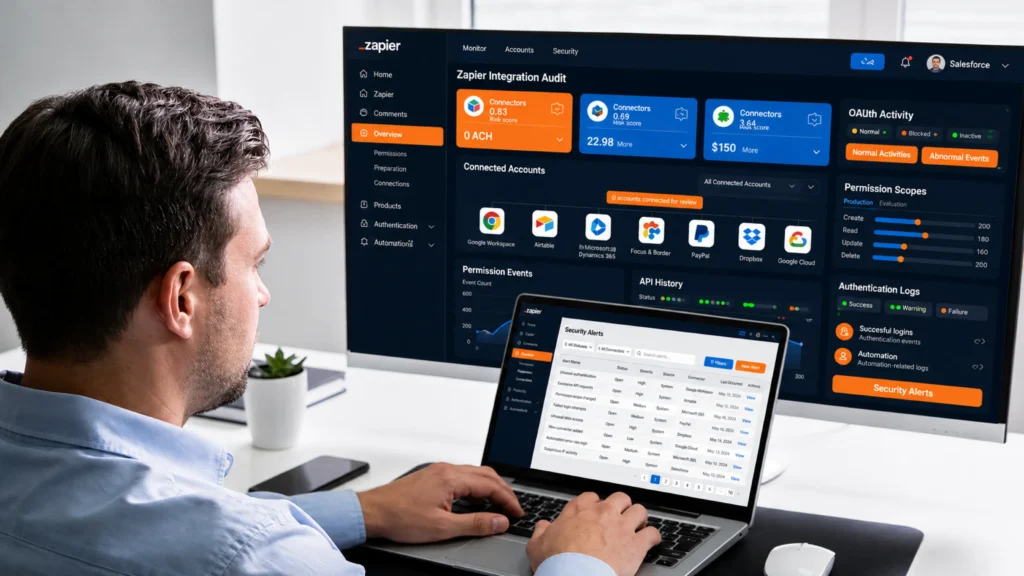
We build these regularly, so this is a recommendation, and it comes with conditions. A Zapier Salesforce integration is a strong choice when most of the following are true:
- The workflows are operational conveniences: web form leads into Salesforce, Slack alerts on stage changes, spreadsheet syncs, task creation, campaign member updates.
- The data involved is standard business contact and pipeline information, with nothing regulated flowing through.
- Volumes sit comfortably inside your API limits and Zapier task budget, in the hundreds or low thousands of runs per month rather than the hundreds of thousands.
- A delay of a few minutes on polling triggers doesn’t hurt the process.
- Admins or ops staff will own the Zaps, and someone is accountable for checks 1 through 12 above.
Under those conditions, Salesforce Zapier workflows deliver real value fast: quicker lead response, fewer manual updates, and CRM data that stays current without anyone rekeying it.
Recommendations by Business Scenario
- Small sales team, standard lead capture. Go with Zapier, run through checks 1 to 6 at minimum, and revisit annually. The risk profile is low and the payoff is immediate.
- Mid-market RevOps stack with 5+ connected tools. Zapier still fits, but only with the full checklist: dedicated integration user, documented data flows, API monitoring, and a named owner. This is the profile where ungoverned Zap sprawl starts.
- Enterprise with ERP or finance system sync. Put the critical bidirectional pipelines on middleware or a custom Salesforce API integration, and keep a slim, governed Zapier layer for the alerts and conveniences it handles better than anything else.
- Healthcare or other regulated environments. Keep regulated objects and fields away from Zapier entirely. Use it, if at all, for non-sensitive operational workflows, and build the regulated flows on HIPAA-eligible, natively governed architecture.
When You Have Outgrown Zapier
The failure mode we see most often is drift: a tool adopted for 3 simple Zaps gradually becomes load-bearing infrastructure for 40, and nobody stopped to re-evaluate. Watch for these signals.
- API consumption keeps climbing. Polling Zaps are crowding out your other integrations’ API budget, and tuning trigger scope no longer buys enough headroom.
- The logic has outgrown the builder. Multi-object transactions, ordered updates, complex transformation, and rollback requirements strain what filters and paths can express.
- You need true bidirectional sync. Keeping Salesforce and an ERP in constant 2-way agreement is architecture work; our ERP integration with Salesforce projects exist because Zaps alone can’t guarantee consistency at that level.
- Regulated data entered the picture. HIPAA, payment data, or strict residency requirements rule out routing records through a third-party automation layer.
- Failures now have real cost. When a missed run means lost revenue or a compliance gap, you need guaranteed delivery, retries, and monitoring that an admin-managed tool can’t promise.
Outgrowing the tool is a milestone, and the migration path matters as much as the destination. The right move is usually a staged one: keep a lean Zapier Salesforce integration for the lightweight alerts it handles well, and move the critical flows to Flow, a custom API build, or middleware with proper architecture behind it.
How VALiNTRY360 Builds a Secure Zapier Salesforce Integration
Everything above is the standard we hold our own work to. When VALiNTRY360 delivers a Zapier integration with Salesforce, security decisions are made at the start, in the open, instead of retrofitted after something breaks.
- Readiness review first. We confirm My Domain and External Client App readiness, API budget, edition-level API access, and sandbox setup before anything gets built.
- Least privilege by default. Every build runs through a dedicated integration user with scoped permission sets, field-level security, and admin pre-authorization on the connected app.
- Data flow mapping. We document exactly which fields leave Salesforce, why, and where they land, so your governance answer exists before an auditor asks the question.
- Tested, then launched. Sample records run through every Zap to verify required fields, duplicate rules, and validation logic before production traffic does.
- Monitored after go-live. Error alerts, runbooks, replay guidance, and admin training, with ongoing coverage available through Salesforce managed services and support if you’d rather not carry the monitoring burden internally.
And when the honest answer is that Zapier is the wrong tool for a given workflow, we say so and design the alternative, whether that’s Flow, a custom build, or middleware. That judgment call is what our Salesforce consulting services are for, and when the answer involves standing up new capability, our Salesforce implementation services team carries it through. If you’d like a second set of eyes on your current setup, talk to our integration team and we’ll review it against the 12 checks with you.
Frequently Asked Questions
1. Can Zapier Connect to a Salesforce Sandbox Before Production?
Yes. You can connect Zapier to a Salesforce sandbox for testing, provided the Salesforce account supports sandbox access and the connection is authorized correctly. Testing there helps validate field mappings, triggers, permissions, and record behavior before production deployment.
2. Can One Zapier Account Connect to Multiple Salesforce Orgs?
Yes. A Zapier account can maintain separate Salesforce connections for different orgs, such as production, sandbox, or business-unit environments. Each connection should be clearly named, governed separately, and authorized with the correct Salesforce user to prevent accidental cross-org automation.
3. Can Zapier Use Salesforce Assignment Rules When Creating Records?
Yes, certain Salesforce actions in Zapier can work with assignment rules when the option is supported and configured correctly. This helps route new leads or cases using existing Salesforce ownership logic instead of hard-coding owners inside each Zap.
4. Can Zapier Trigger a Salesforce Flow?
Yes. Zapier supports launching Salesforce Flows as an action, allowing an external event to start approved Salesforce automation. This can be useful when you want Zapier to initiate a process while keeping more complex business logic inside Salesforce itself.
5. Can Zapier Run SOQL Queries Against Salesforce?
Yes. Zapier provides Salesforce search actions that support custom SOQL queries, allowing more precise record retrieval than basic field matching. This is useful for filtered lookups, related-record searches, and workflows that need specific Salesforce query logic.
6. Can Zapier Transfer Salesforce Files or Attachments?
Yes. Zapier supports Salesforce file and attachment actions, including retrieving record attachments and adding files to records. Current Zapier documentation lists a 25 MB maximum for certain create-file and create-attachment actions, so larger files need another approach.
7. Can Zapier Clear or Remove a Value From a Salesforce Field?
Yes. When updating Salesforce records, Zapier can clear supported field values using its designated clear-value mapping method. This is helpful when automation must remove outdated information rather than replacing it with another value or leaving the previous value unchanged.
8. Can Zapier Handle Salesforce Multi-Select Picklist Fields?
Yes. Zapier can pass multiple values into Salesforce multi-select picklists when the values are formatted correctly. Zapier recommends separating multiple selections with semicolons, which lets an automated update populate more than one approved picklist choice.
9. Can Zapier Call a Custom Apex REST Endpoint in Salesforce?
Yes. Zapier currently provides a Call Apex REST action for Salesforce, allowing a Zap to send requests directly to custom Apex REST endpoints. This is useful when standard Salesforce actions cannot support the business logic your integration requires.
10. Can Zapier Run Salesforce Reports Automatically?
Yes. Zapier includes a Salesforce Run Report action that can execute supported Analytics reports and retrieve results with filters or grouping options. Teams can use this to automate reporting handoffs, notifications, or downstream processing without manually exporting reports.
11. Can Zapier Send Emails Through Salesforce?
Yes. Zapier currently supports a Salesforce Send Email action using Salesforce Simple Email Actions. This can help trigger emails from approved Salesforce automation workflows while keeping the communication associated with Salesforce rather than relying on a separate email tool.
12. Can Zapier Find Child Records Related to a Salesforce Parent Record?
Yes. Zapier provides a Find Child Records action for Salesforce, which can retrieve records associated with a specified parent. This is useful when an automation needs related contacts, opportunities, cases, or custom-object records before deciding what happens next.
13. Can Zapier Use a Static IP Address When Connecting to Salesforce?
Yes, on supported Zapier paid plans, static IP addresses can be used for Salesforce connections. This is helpful when your Salesforce security policy requires IP allowlisting and you want integration traffic to originate from predictable, approved network addresses.
14. Why Are Newly Created Salesforce Fields or Objects Missing in Zapier?
New Salesforce fields or objects may take time to appear in the Zap editor, and user permissions can also hide them. Refresh the editor, reload available fields, and confirm the connected Salesforce user has access before rebuilding the Zap.
15. Why Can a Zapier Salesforce Search Return the Wrong Matching Record?
Salesforce search actions in Zapier may return the most recently created record when several records satisfy the same search criteria. Use more specific matching fields, unique identifiers, or SOQL conditions to reduce ambiguity and avoid updating the wrong record.
Related Posts
- Salesforce Data Cloud
- Salesforce Integration
What Are the Best CRM Connectors for Integrating…
Looking for the best Salesforce CRM connectors for your stack? The short answer depends on the CRM on the other side: HubSpot users should start with HubSpot's native integration, Dynamics 365 teams with Power Automate, Zoho CRM teams with Zoho…
- Salesforce Integration
Top 100 Salesforce Consulting Partners
This comparison covers 100 Salesforce consulting partners drawn from every major delivery market. Every company had to show real project work in the regions it claims to serve, not a landing page written to catch search traffic. Global integrators, regional…