

Zoom Integration with Salesforce

Zoom Integration with Salesforce

VALiNTRY360 delivers Zoom Integration with Salesforce services so teams schedule, start, and manage meetings inside the CRM. Meeting metadata, attendees, recording links, and transcript references post automatically to Leads, Contacts, Accounts, and Opportunities, keeping activity accurate and in one place. Our in-house certified team handles field mapping, permission sets, and page layouts, validates in sandbox, and monitors after go-live. Security is built in with OAuth 2.0, SSO, least-privilege roles, Shield encryption, TLS, and audit trails. The result is higher productivity, cleaner reporting, and smoother collaboration—no tab switching or duplicate entry—supported by a delivery playbook refined across 20+ years of Salesforce work.

Simplify your Salesforce Start Your Integration Journey Today

Our Core Services for Zoom Integration with Salesforce

  • Schedule, start, and manage Zoom meetings inside Salesforce without tab switching
  • Automatically send invites and reminders from Salesforce to improve attendance
  • Log meeting details, outcomes, and follow-ups to Salesforce records automatically
  • Capture participants, meeting duration, and outcomes on the right records
  • Sync recordings, transcripts, and notes to Leads, Contacts, and Accounts
  • Maintain complete interaction history for better sales and service context
  • Enrich customer profiles with meeting context for a clearer 360° client view
  • Use dashboards to track attendance, follow-ups, meeting trends, and outcomes
  • Turn analytics into targeted campaigns and focused outreach actions
  • Create and run Zoom webinars from Salesforce while tracking registrations and attendance
  • Segment attendees for precise follow-ups, nurture paths, and sales handoffs
  • Automate surveys, feedback collection, and lead scoring after each event
  • Apply industry-grade controls for Zoom meetings and stored Salesforce data
  • Manage access rights and user permissions directly within Salesforce
  • Retain audit logs and meeting records for governance, reporting, and audits
  • Use Salesforce automation such as Flows, triggers, and Apex to fit your process
  • Automate follow-ups, status updates, and post-meeting email communication
  • Connect Zoom data with Salesforce apps and internal business systems

Implementation Process for Zoom Integration with Salesforce

Initial Assessment

  • Map current workflows across Leads, Opportunities, and Cases.
  • Prioritize Zoom use cases inside Salesforce for sales, support, and onboarding.
  • Define objectives, user roles, data scope, SSO, and record-level security.

App Installation & Account Linking

  • Install Zoom for Salesforce (Lightning) from AppExchange in a sandbox environment.
  • Link the Zoom tenant through OAuth 2.0 with administrator consent.
  • Assign baseline permission sets and control access by profile.

Configuration & Field Mapping

  • Create meeting templates for demos, onboarding sessions, and reviews.
  • Add Zoom components to Lightning pages for scheduling, joining, and status tracking.
  • Map Zoom fields to Salesforce objects with ownership and time zone rules.

Workflow Automation & Testing

  • Build scheduling, reminders, follow-ups, and logging workflows with Flow and Apex if required.
  • Run pilot testing with selected users to validate sync accuracy and latency.
  • Refine workflows using feedback to improve clarity, reliability, and performance.

User Training & Adoption Support

  • Deliver role-based training sessions for sales reps, managers, and administrators.
  • Publish quick guides and SOPs covering daily tasks and exception handling.
  • Provide support channels and gather feedback for continuous improvements.

Continuous Monitoring

  • Track adoption, API limits, and job health using dashboards and alerts.
  • Apply managed package and Zoom updates on a consistent schedule.
  • Review retention settings, access permissions, and audit logs as business needs evolve.

Key Benefits of Zoom Integration with Salesforce

Valintry360 integrates Zoom with Salesforce so teams schedule, host, and log meetings inside the CRM, with attendance, recordings, and insights tied to the right records and dashboards. 

Meeting Control in CRM: Schedule, start, and manage Zoom from Salesforce Lightning to cut app switching and keep collaboration inside the CRM.

Customer Context: Auto-log meeting metadata and attach it to Leads, Contacts, Accounts, and Opportunities for a complete view of each relationship.

Lead Management: Sync meeting outcomes to CRM records and trigger timely follow-ups with Salesforce Flow for consistent pipeline progress.

Ops Efficiency: Automate scheduling, logging, and reminders to reduce manual work and keep teams focused on higher-value tasks.

Analytics & Reporting: Use attendance and outcome metrics in Salesforce reports and dashboards to guide sales plans and marketing actions.

Security & Compliance: Apply Zoom and Salesforce controls for data protection, access, retention, and audit trails that meet policy and regulatory needs.

How to Know When to Adopt Zoom Integration with Salesforce

How We Solve Zoom Integration with Salesforce Challenges

Integrating Slack with Salesforce is powerful but tricky. Valintry360 tackles the hard parts like data sync, security, custom logic, and adoption. Moreover, our in-house team designs, builds, and supports the org link so collaboration speeds up without risking accuracy or control.

Low Adoption Low Adoption color-icon

Data Sync & Accuracy

Misaligned meeting data slows teams and distorts reports. We define exact mappings, use idempotent upserts with stable keys, and run deduplication. Validations and reconciliation jobs keep histories consistent across Leads, Contacts, Accounts, and Opportunities, preserving ownership.

Limited Customization Limited Customization color

Workflow Automation

Manual follow-ups are unreliable. We wire Zoom triggers to Salesforce Flow, Apex, and Platform Events in bulk-safe, transaction-aware patterns. Tasks, stage changes, and handoffs fire on time, with guardrails and retries so pipeline movement stays visible.

Disconnected Systems Disconnected Systems color-icon

Security & Compliance

Sensitive data demands disciplined controls. We apply OAuth 2.0, SSO, role-based access, field-level security, Shield encryption at rest, and TLS in transit. Audit trails and IP restrictions support governance while controlled access protects meetings and CRM records.

Manual Processes Manual Processes color-icon

API Limits & Custom Cases

API ceilings and edge cases need careful engineering. We use queued retries, exponential backoff, and batch operations to respect limits. For specialized scenarios, custom objects, caching, and event-driven patterns support high volume and complex workflows without data loss.

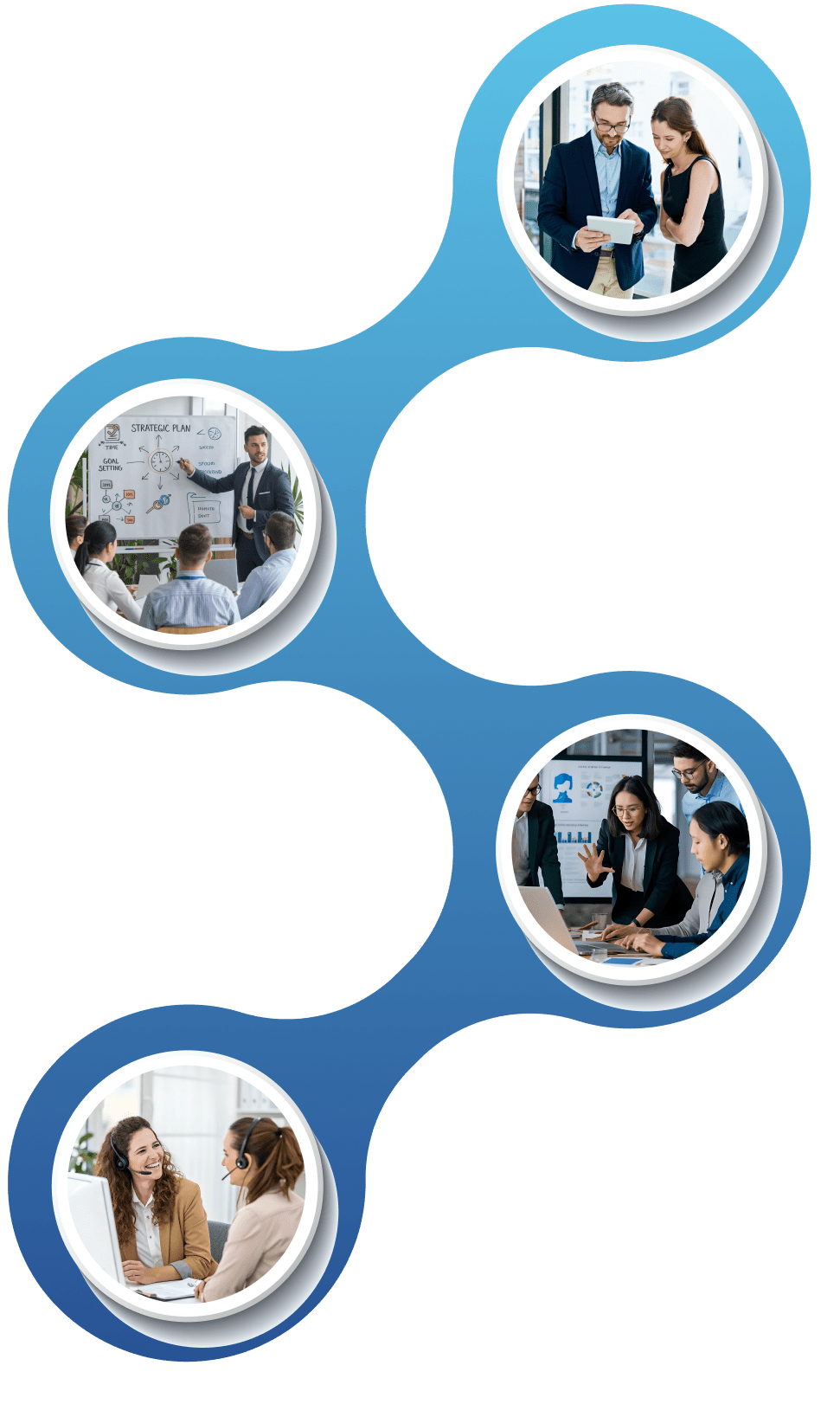
Driving Business Growth with Zoom Integration and Salesforce

Faster Customer Response

Launch Zoom from Salesforce records with one click, join from Cases or Opportunities, and act with full context on screen. Reduced handoffs and quicker escalation help teams meet SLAs, close loops on questions, and keep customer conversations moving without tool switching.

Unified Communication Tracking

Store Zoom interactions alongside emails, calls, and notes in Salesforce for a single source of truth. Attendance, outcomes, and recording links attach to the right Lead, Contact, Account, or Case, giving clear timelines, easy search, and audit-ready visibility for every stakeholder.

Collaborative Sales Workflows

Reps, managers, and support join meetings from the same record, capture shared notes, and convert decisions into tasks on the spot. Salesforce Flow can assign owners, set due dates, and update stages so deal progress is visible and handoffs are crisp across the team.

Event Ops in Salesforce

Plan, host, and track Zoom webinars inside Salesforce to manage registrations, attendance, and Campaign Member status in one place. Post-event steps—surveys, follow-ups, and MQL scoring—run as defined processes, helping marketing pass qualified interest to sales without delay.

Personalized Customer Engagement

Meeting metadata pairs with CRM history to tailor next steps, cadences, and content. Teams see who attended, how long they stayed, and what they asked, then adjust messaging and offers with confidence, improving relevance across outreach, renewals, and service interactions.

Scale with Automation and Data

Automate scheduling, reminders, and logging to cut repeatable work while dashboards surface adoption, conversion, and cycle time trends. With APIs and Salesforce automation, organizations add new teams and regions predictably, maintaining quality as volume grows across the customer lifecycle.

Driving Business Growth with Zoom Integration and Salesforce

Why Choose VALiNTRY360 for Zoom Integration with Salesforce

VALiNTRY360 brings 20+ years of Zoom–Salesforce integration experience. Our certified Salesforce team builds secure, custom solutions aligned to your processes and stack. We support the lifecycle from discovery to post-go-live optimization, with delivery playbooks executed internally. 

Group-1171275754

Who We Are

As a Salesforce partner, we deliver integrations that improve communication, automate routine work, and preserve data consistency, built for scale, ROI, and production across industries.

Certified Experts

Our certified team configures meeting scheduling, participant sync, reporting, and layouts, tunes permission sets, and removes friction to speed adoption and give leaders visibility.

Ongoing Support and Training

We deliver role-based training and support; teams learn workflows, admins get configuration guidance, and leaders get playbooks; we review usage and refine automations and dashboards.

Security and Performance

We apply OAuth, SSO, least-privilege access, Shield encryption, and audit trails, with efficient data flows and monitoring, keeping data protected and compliant while dependable workflows support faster decisions.

Zoom Integration with Salesforce FAQ by VALiNTRY360

Yes. With the Zoom for Salesforce Lightning app, users can create, start, and join meetings from Leads, Contacts, Accounts, Opportunities, or Cases. Subject, attendees, and time zones sync to the record, while permission sets control access. A Zoom Pro (or higher) plan is recommended.

Recording links and transcript references can be written to the related Salesforce record for central access. VALiNTRY360 maps fields and page layouts so URLs, participants, and outcomes appear where teams work, with retention managed in Zoom and visibility governed by Salesforce security.

Yes. VALiNTRY360 tailors workflows with Salesforce Flow, Apex, and Platform Events triggering tasks, stage updates, and notifications from meeting outcomes. We also adjust page layouts, validation rules, and custom objects so sales, marketing, and support teams follow the same reliable, auditable path.

The integration supports OAuth 2.0, SSO, and role-based access with field-level security. Shield encryption at rest, TLS in transit, audit trails, and optional IP restrictions protect sensitive data, while fine-grained permission sets keep meeting artifacts visible only to authorized users.

Claim Your Free Implementation Checklist

Claim Your Free Implementation Checklist

Claim Your Free Implementation Checklist

Connect With Us

Need Urgent Help with your Salesforce