

CROs and revenue leaders aren’t short on AI promises—they’re short on proof. In Salesforce environments, AI sales automation can absolutely deliver measurable performance gains—but only when it’s built on clean data, clear processes, and disciplined tracking. The challenge isn’t whether AI works; it’s knowing how well it works for your specific sales motion.
This guide lays out a practical, evidence-based framework for measuring ROI of AI sales automation in Salesforce—from readiness to payback. It covers five key areas: defining ROI, preparing your Salesforce foundation, building the ROI model, proving impact through attribution, and scaling intelligently with expert configuration and governance.
Overview
- What “ROI” Really Means for AI Sales Automation in Salesforce
- Prep the Ground: Data, Process, and Salesforce Readiness
- The ROI Model: Metrics, Formulas, and Payback Calculation
- Proving Impact: Attribution, Testing, and Reporting in Salesforce
- From Pilot to Scale with VALiNTRY360’s Approach
- Conclusion
What “ROI” Really Means for AI Sales Automation in Salesforce
In sales, ROI isn’t just about revenue gained—it’s the balance of hard and soft returns measured against investment. AI-driven automation touches both: it accelerates pipeline movement while reclaiming human capacity.
Hard returns include:
- Conversion rate lift: Better lead scoring and routing improve MQL→SQL or SQL→Win ratios (often +8–15%).
- Deal velocity: Predictive next-best-action models can cut average sales cycles by 10–25%.
- Forecast accuracy: Improved data hygiene and AI forecasting often reduce error rates by 20–30%.
Soft returns include:
- Rep capacity reclaimed: Automating data entry, follow-ups, or enrichment can save 3–6 hours per rep weekly.
- Manager visibility: Real-time dashboards reduce time spent on manual reporting.
- Cost-to-serve reduction: Cleaner handoffs between SDRs, AEs, and CS teams mean fewer missed touches.
Before/After Snapshot:
A mid-market SaaS firm automated lead enrichment and routing in Salesforce using Einstein Activity Capture and custom flows. Within 90 days:
- MQL→SQL conversion rose 12%.
- Reps regained 5.5 hours/week.
- Forecast accuracy improved by 24%.
Estimated ROI: 178% in six months.
In Salesforce, ROI is not a static number—it’s a rolling performance lens revealing which AI automations drive the most value per process, per user, and per dollar spent.
Prep the Ground: Data, Process, and Salesforce Readiness
AI sales automation only performs as well as the data, governance, and adoption environment it runs in. Many underperforming initiatives fail here—not because of flawed algorithms, but flawed foundations.
1. Data Hygiene and Governance
- Standardize key fields: Lead source, industry, region, and product lines should have consistent picklists.
- Map data flows: Trace where prospect and opportunity data originate, how it syncs across Salesforce and other systems (marketing automation, ERP, etc.).
- Permissioning and compliance: Ensure GDPR/CCPA alignment and role-based data visibility.
- Ongoing maintenance: Schedule automated deduplication and validation routines.
2. Identify Automation Candidates
Focus first on high-friction, repeatable tasks where automation shows clear ROI:
- Lead routing based on fit and intent.
- Contact enrichment using external data.
- Outbound sequences triggered by stage or engagement.
- AI scoring models to prioritize high-conversion accounts.
- Forecasting and next-best-action recommendations.
Each candidate should have a measurable baseline (e.g., current lead-to-opportunity rate or manual hours spent).
3. Change Management and Adoption
Even the smartest automation fails without human adoption.
- Enablement: Train reps on why automation helps them close more, not just how to use it.
- Manager alignment: Ensure managers reinforce usage through coaching, not compliance.
- Incentives: Tie adoption to early wins (faster lead responses, cleaner pipelines).
Expert tip from VALiNTRY360, a Salesforce Consulting and Solutions partner: “AI automation succeeds when users trust it. Start with visible, low-risk automations that immediately save time or improve lead quality—momentum builds from proof, not pitch.”
The ROI Model: Metrics, Formulas, and Payback Calculation
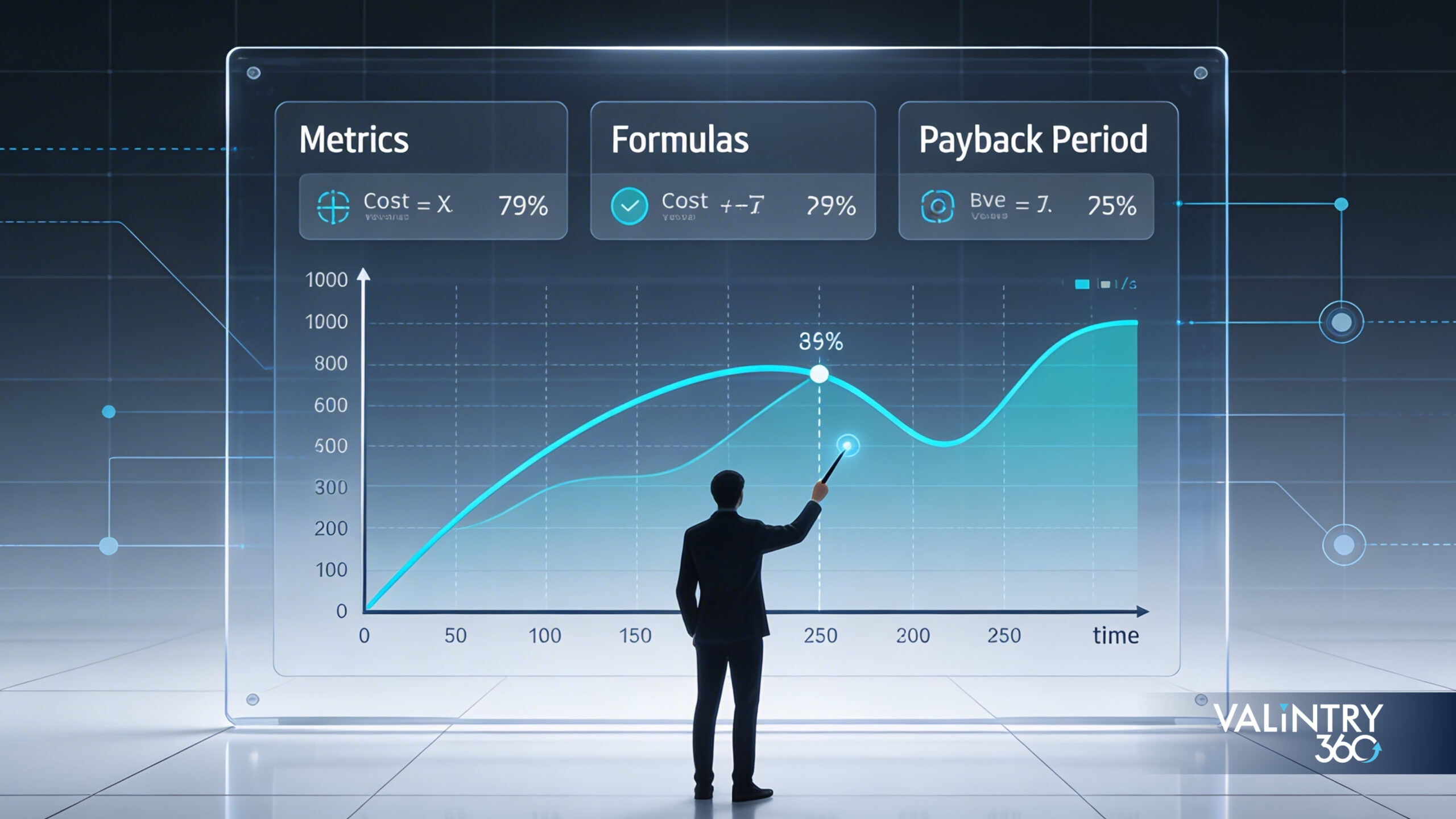
To quantify ROI, leaders need a simple, transparent model they can test and adjust in Salesforce.
Step 1: Define Core KPIs
Track directly in Salesforce dashboards:
- MQL→SQL conversion rate
- SQL→Win conversion rate
- Average sales cycle (days)
- Meetings set per rep per week
- Pipeline coverage ratio (pipeline ÷ quota)
- Forecast error (%)
- Rep time on admin tasks (hours/week)
Step 2: Estimate ROI and Payback
ROI Formula:
ROI=Net Gain from AI−Investment CostInvestment Cost×100ROI = \frac{Net\ Gain\ from\ AI – Investment\ Cost}{Investment\ Cost} \times 100ROI=Investment CostNet Gain from AI−Investment Cost×100
Payback Period Formula:
Payback (months)=Total InvestmentMonthly Net BenefitPayback\ (months) = \frac{Total\ Investment}{Monthly\ Net\ Benefit}Payback (months)=Monthly Net BenefitTotal Investment
Example Scenario:
A 50-rep B2B tech firm invests $120,000 in Salesforce AI automation (licenses, implementation, and enablement).
- Average rep closes $800K annually.
- AI reduces admin work by 5 hours/week (≈12.5% more selling time).
- Assuming 50% efficiency yield, that’s a 6% lift in revenue, or $2.4M gain annually.
- Net annual benefit = $2.4M – $120K = $2.28M.
- ROI = (2.28M ÷ 120K) × 100 = 1,900%.
- Payback period ≈ 2.5 months.
Step 3: Include Cost Components
Factor in the full investment lifecycle:
- Licenses: Salesforce Einstein, AI add-ons, or third-party apps.
- Implementation: Integration, data prep, and workflow design.
- Data costs: External enrichment or governance tools.
- Enablement: User training, admin coaching.
- Ongoing optimization: Model tuning and reporting refinement.
Step 4: Plug-Your-Numbers Table
| Metric | Before | After | Δ | Source in Salesforce |
| MQL→SQL | 22% | 28% | +6 pts | Campaign ROI dashboard |
| SQL→Win | 30% | 34% | +4 pts | Opportunity report |
| Forecast error | 28% | 19% | -9 pts | Forecast accuracy report |
| Admin hours/rep | 9.5 | 4.0 | -5.5 | Einstein Activity Analytics |
Interpretation: Even modest uplifts across these metrics compound into double-digit revenue impact when multiplied across teams and time.
Proving Impact: Attribution, Testing, and Reporting in Salesforce
To secure budget and executive trust, ROI must be provable, repeatable, and reportable.
A/B or Phased Rollouts
- Pilot groups: Enable automation for 1–2 teams while holding others constant.
- Time-based testing: Run pilots for 8–12 weeks to collect statistically meaningful data.
- Compare deltas: Focus on conversion, cycle time, and rep productivity.
A financial services firm using Salesforce Einstein for lead scoring rolled it out to half its regional teams. The pilot showed:
- 10% shorter sales cycles.
- 15% higher SQL→Win rate.
- Payback in 4.5 months.
Top 5 Salesforce Reports/Dashboards to Build
- AI Attribution Dashboard: Tracks conversion delta for AI-scored vs. non-AI leads.
- Rep Efficiency Tracker: Hours saved vs. selling time gained.
- Forecast Accuracy Report: Variance before/after automation.
- Pipeline Hygiene Scorecard: % of stale opportunities, by rep.
- Adoption Heatmap: Usage rates by feature/team.
Guardrails for Sustainable Measurement
- Monitor data drift: Model accuracy declines if field values or definitions shift.
- Bias and compliance checks: Review model inputs quarterly to align with DEI and regulatory standards.
- Privacy governance: Confirm data-handling compliance within Salesforce Shield or equivalent.
Turning Data into Executive Narratives
Boards and finance teams respond to clarity and confidence. Present ROI as a performance portfolio, not a one-time event:
- Show cumulative gains by automation type.
- Link productivity lift directly to incremental revenue.
- Translate forecast accuracy improvements into reduced risk.
When Salesforce reporting and AI attribution are designed upfront, you create an auditable ROI chain—a narrative that CFOs and CIOs trust.
From Pilot to Scale with VALiNTRY360’s Approach
Once a pilot proves value, scaling requires more than cloning workflows—it demands a consultative blueprint that ensures data, governance, and user behavior scale with it.
The VALiNTRY360 Salesforce Blueprint
- Discovery: Identify automation opportunities mapped to business KPIs.
- Readiness Assessment: Evaluate data quality, integrations, and permissions.
- Pilot Design: Build a controlled test to validate measurable outcomes.
- Scale & Optimize: Expand with enablement, monitoring, and performance dashboards.
Unlocking ROI Faster
Expert configuration shortens the time between pilot and payoff. Integrations with marketing automation, CPQ, and service systems reduce rekeying and data lag—key friction points for AI ROI.
Risk Mitigation and Continuous Optimization
Top-performing Salesforce programs maintain ROI by:
- Refreshing AI models quarterly.
- Conducting governance reviews bi-annually.
- Reinforcing enablement after each system update.
Patterns of Top-Quartile Teams
Across VALiNTRY360’s Salesforce engagements, high-ROI teams share consistent habits:
- Treat automation as a process multiplier, not a replacement for selling.
- Maintain clean, governed data pipelines.
- Invest in user trust—they demonstrate automation value before mandating it.
These patterns create a virtuous cycle: better data → better AI → better outcomes.
Conclusion
Proving ROI from AI sales automation in Salesforce isn’t guesswork—it’s a disciplined process of readiness, measurement, and refinement. With clean data, transparent testing, and strong governance, ROI becomes visible and repeatable.
Leaders who treat AI automation as a measurable performance system—not just a technology investment—realize faster payback and lower risk. For organizations ready to accelerate that journey, a guided, consultative approach can help turn Salesforce from a CRM into a self-optimizing growth engine.
Related Posts
How to Tell Your Salesforce Backlog Needs Managed…
Salesforce keeps getting better at building things itself. Flow can now handle branching logic and callouts that used to require Apex. AppExchange has thousands of pre-built solutions for problems companies used to solve from scratch. Agentforce can reason through open-ended…
Why Salesforce Consulting Is Moving From Customization to…
Salesforce keeps getting better at building things itself. Flow can now handle branching logic and callouts that used to require Apex. AppExchange has thousands of pre-built solutions for problems companies used to solve from scratch. Agentforce can reason through open-ended…
Salesforce Consulting in the Agentforce Era: Do You…
Salesforce's own marketing makes the pitch aggressively simple: Agentforce is already built into the platform, can reuse existing Salesforce workflows and APIs, and gives admins a conversational builder for creating agents. No complex data integration, no custom automation build.At the…