

The appeal of AI sales automation is compelling: faster lead routing, smarter forecasting, streamlined quoting, and more time for selling. Yet in a sales organization you also need judgement, control and trust—not a black-box tool that surprises you. That’s where a human-in-the-loop (HITL) approach inside Salesforce Sales Cloud and related modules matters. You pair the speed and scale of AI with human decision-gates, reviews and oversight, thereby improving cycle times, forecast accuracy and pipeline hygiene—while reducing risk of hallucinations, compliance issues or poor adoption. For mid-market and enterprise teams in Sales, RevOps or IT, this blended workflow becomes the practical route to results. In this article we’ll explore how HITL workflows within Salesforce deliver impact—from pipeline to governance to adoption to ROI—and how working with a seasoned consulting and solutions partner like VALiNTRY360 makes it all more reliable.
Overview
Why Human-in-the-Loop Beats “Set-and-Forget” AI in Sales
Trust & control
While AI for sales is growing rapidly—83 % of sales teams using AI report revenue growth compared to 66 % of those without. However, behind those numbers lie caveats: only 35 % of sales professionals fully trust their organisation’s data and only a third believe the team has sufficient training.
A HITL design embeds human oversight at key junctures: the AI suggests a lead-score, the human qualifies; the AI recommends a discount, the manager approves. That combination helps build trust—and safeguards control.
Bias mitigation
Compliance-safe automation
Especially in regulated industries, AI may trigger actions (discounts, refunds, risk scoring) that require audit trails and approvals. HITL ensures any AI output passes through a human-review gate where necessary, reducing regulatory exposure. For instance, an AI-driven quoting tool must log who approved it.
In sum: “set-and-forget” AI may scale fast—but without human-in-the-loop you risk opacity, lost control, unused insights or worse. A guided HITL model avoids that.
Salesforce-Native HITL Workflows That Move Pipeline Faster
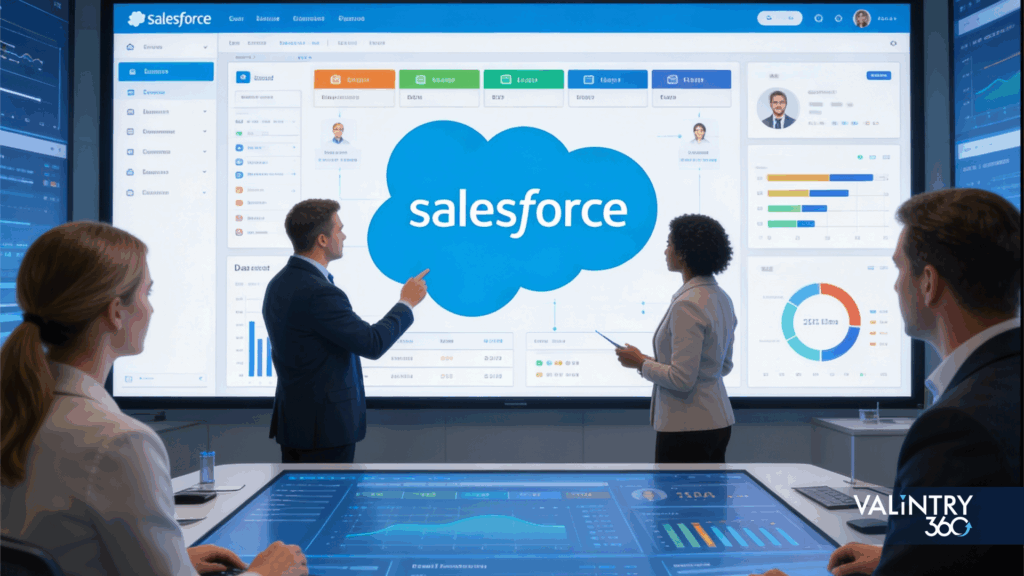
Within Salesforce ecosystems (Sales Cloud, Service Cloud, CPQ, Marketing Cloud, Slack integrations), a range of HITL workflows deliver measurable impact. Using HITL ensures AI augments human expertise rather than replaces it.
Lead triage & scoring
- Scenario: The AI assigns a score to incoming leads and triggers a Salesforce Flow that routes them to the right rep. A rep then reviews the high-score leads, can override the assignment, and updates the lead status.
- Micro-vignette: A mid-market technology company implemented this routing. Within three months the qualification time dropped by 28%, win-rate on hot leads increased by 12%.
Meeting prep & call summaries
AI summarises previous calls, surfaces key pain points and recommends next steps in Salesforce Activities. Before the call, the rep reviews the summary, edits as needed, and confirms next-step tasks. This human-review step ensures context remains accurate.
Next-best-action & CPQ discount guidance
Example: The AI recommends the next best action—e.g., send a case study to an account flagged as high-propensity. The rep reviews, customises messaging and triggers the outreach. In quoting (via CPQ) the AI may suggest discount thresholds; a manager reviews and approves if beyond set-limits.
Renewal or risk alerts
AI monitors account health and flags at-risk renewal opportunities (based on usage drop, support tickets, sentiment). It pushes an alert into Salesforce and assigns a task for the account owner to review and plan. In one fictional example, renewal forecast accuracy improved by 9 percentage points after implementing similar workflow.
All of these stay inside Salesforce (or its native AI stack) so data governance, reporting and adoption are seamless. Workflows link to Leads, Contacts, Accounts, Opportunities, Activities and Cases, leveraging flows and approvals for human-in-the-loop logic.
Data Quality, Governance and Security — The Non-Negotiables
PII handling & role-based access
Sales AI often touches sensitive data—financials, deal terms, customer sentiment. Inside Salesforce you must enforce field-level security, data masking in sandboxes, and least-privilege access for AI users.
Audit trails & model oversight
Using Salesforce’s trust layer (or equivalent) you log AI decisions, prompts, overrides. For example, when a rep overrides a lead score, that decision should be logged. This keeps a chain of custody which helps in compliance reviews.
Model governance
As one industry report notes: only 16 % of executives are confident in their AI governance, yet 74 % say digital labour increases risk—so having guardrails matters. For HITL workflows: • Define “AI job descriptions” (what the model should and shouldn’t do) • Set human-approval thresholds (e.g., for deals > $500k) • Continuously monitor model drift, bias, performance metrics
Integration & data fabric
A reliable data foundation is essential—instances where teams tried AI in isolation failed because underlying data in Salesforce was incomplete or inconsistent. Without governance, adoption stalls and trust erodes Together, this ensures that your sales AI automation is not only powerful, but also trusted, compliant and secure.
Adoption Playbook: Change Management for Reps & Managers
A successful rollout of AI for sales is not a technology project—it’s a people and process transformation.
In-CRM nudges and workflow fit
Start by embedding AI-driven suggestions directly inside Salesforce records and flows—e.g., an Opportunity screen shows “AI recommends contacting this contact with shared case study”. The rep can accept, edit or ignore. That human choice fosters acceptance.
Start small, iterate
Pilot with one team or business unit: for example, Top-Tier accounts or one region. Gather feedback, refine the prompts, refine the flows, fix adoption blockers. Then scale.
Training-in-the-flow & feedback loops
Train reps on what the AI does, what it doesn’t do (and why human review matters). Use short sessions and embed micro-training inside Salesforce—popups, walkthroughs, tip-links. Set up regular feedback loops: allow reps to flag incorrect AI suggestions, feed them back to refine the model.
Manager dashboards and incentives
A B2B services company used their partner to deploy conversational chat-bots, automate case triage, and connect to ERP billing. Six months later: case resolution time fell by 25 %, lead-to-opportunity conversion improved by 18 %, and user satisfaction increased substantially—thanks to the partner’s integration and enablement approach.
Why this matters
Managers need visibility into how the AI and human reps are using it: adoption rate, override rate, lead-score accuracy, next-best-action acceptance. Tie some KPIs (but not too heavily) to adoption to encourage usage without forcing behaviour.
By emphasizing human choice, transparent workflows and iterative refinement, you maximise rep buy-in and minimise resistance.
Measuring ROI: Dashboards, KPIs and Iteration Cycles
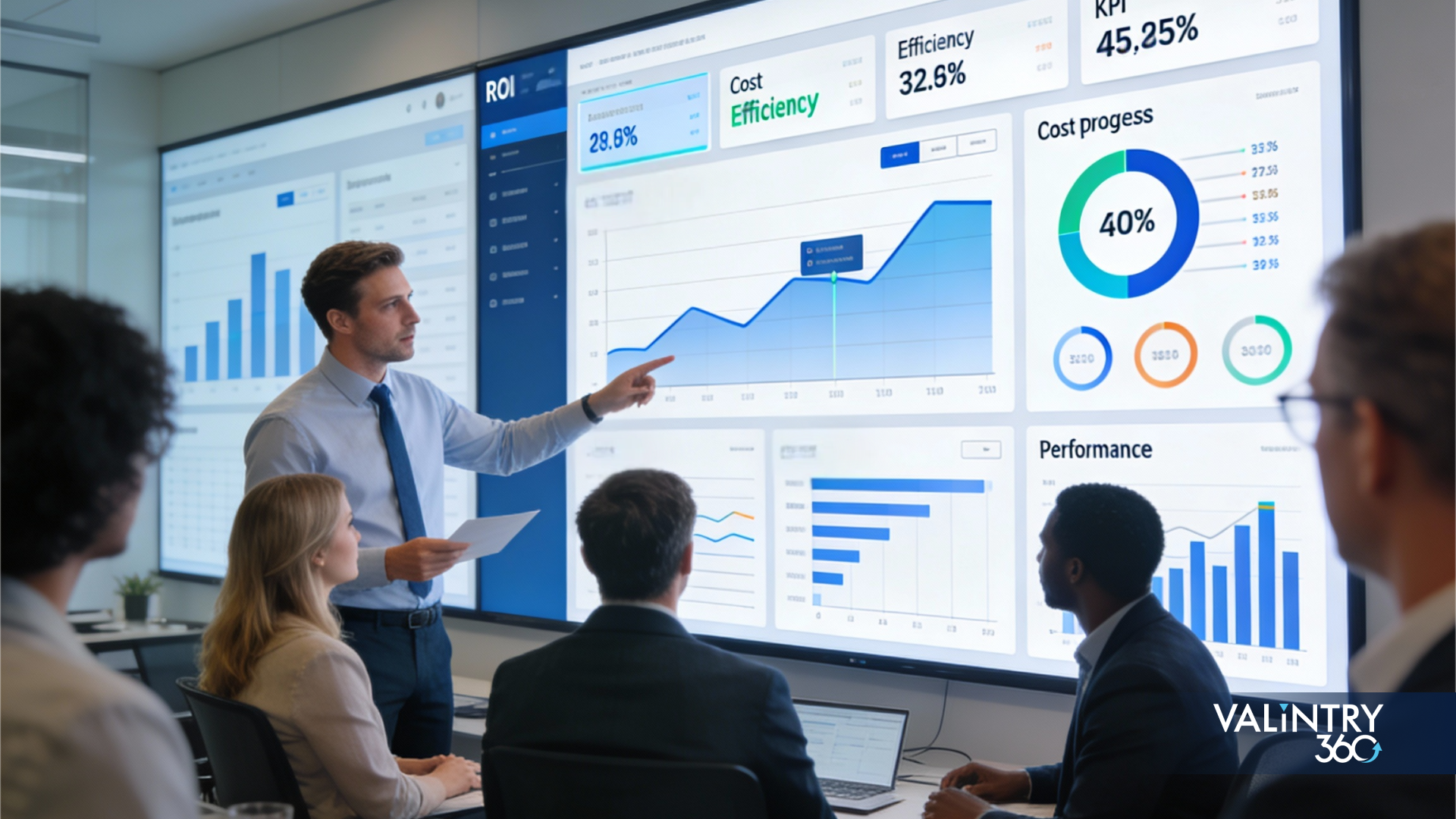
Time-to-first-value
Define a baseline: e.g., average qualification time before AI = 4.5 days. Then after HITL workflow rollout target reduction to 3.2 days within 90 days. Report progress.
Forecast lift & win-rate impact
Use Salesforce dashboards to compare cohorts with AI-enabled workflows vs those without. For example: win rate for AI-triaged leads = 28% vs standard = 22%.
Cost-to-serve / productivity uplift
AI for sales can free time for selling: Sales teams using AI report 80% of reps say it’s easier to get insights (vs 54% without) Salesforce. Track rep hours spent on administrative vs selling.
KPI cadence & iteration
- Day 30: adoption %, number of AI suggestions made, override rate
- Day 90: pipeline contribution from AI-suggested leads, qualification time, rep satisfaction
- Day 180: win-rate delta, forecast accuracy improvement, rep turnover rate
The key: build dashboards inside Salesforce (or via partner) that show these metrics, present to RevOps/IT quarterly, and iterate the model, thresholds and training accordingly. Partnering with an advisor like VALiNTRY360 brings structured playbooks, benchmark metrics and governing templates that reduce the trial-and-error cycle.
Conclusion
In an era where AI for sales is no longer experimental, the smart move is combining automation speed with human judgement—especially when you’re working inside Salesforce. A human-in-the-loop model delivers faster cycle times, stronger forecasting, controlled governance and higher rep adoption. For mid-market and enterprise organisations, the fastest and most reliable way to make it happen is by linking your vision to proven workflows, governance mechanisms and adoption playbooks. If you’d like a playbook tailored to your Salesforce org, our team at VALiNTRY360 can help you map a low-risk pilot and scale toward measurable impact.
Related Posts
Salesforce Health Cloud vs EHR
IntroductionMost hospitals, health systems, and physician practices already run an EHR. For most of them, the real question is how Salesforce Health Cloud fits around the clinical system they already depend on. Health Cloud sits in a different part of…
Salesforce Partner Transition Checklist
A Salesforce partner change touches more than a vendor name on an invoice. Production access, integrations, source code, sandboxes, deployment tooling, vendor accounts, documentation, and ongoing support all move at the same time, and each one can break quietly if…
Salesforce Release Management Framework
TL;DR Salesforce changes come from everywhere. Admins tweak page layouts and developers ship Apex. Integrations push metadata changes of their own.A handful of other changes stack on top of that every week. Flows get rebuilt mid-quarter, permissions shift as teams…